Day 13: What is a Vector Database? And Why Does RAG Need It?
“Where does all the memory go once GPT gives you a perfect answer?” That’s a question I often get when I show my Retrieval-Augmented Generation (RAG) demos using PDFs and SQL data.
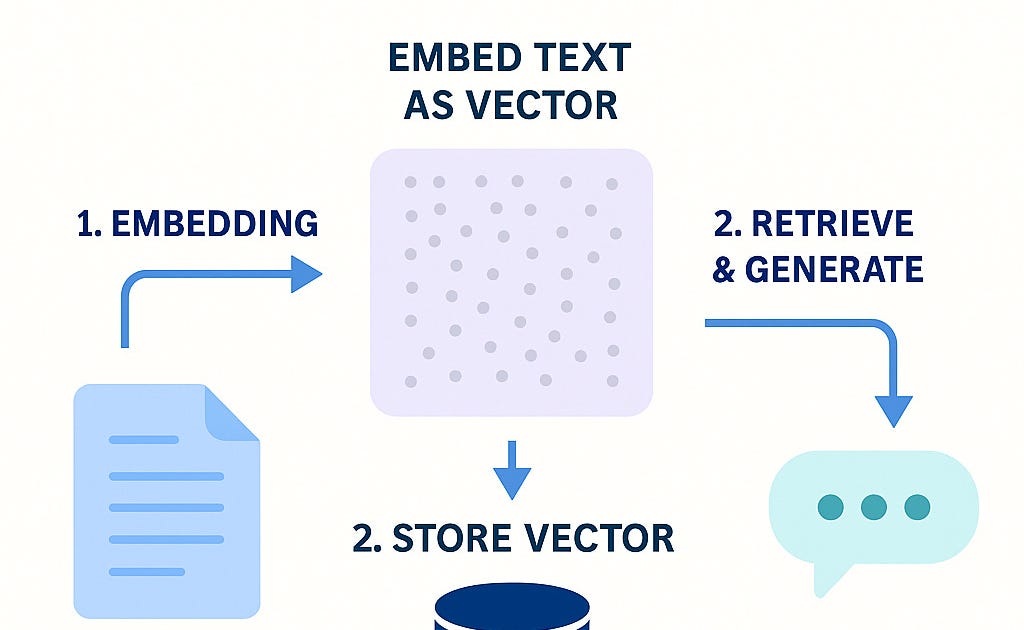
In our earlier tutorials, we built lightweight RAG apps that:
Let you upload a PDF or SQL DB
Ask a natural-language question
Use OpenAI to generate a GPT-based response
But behind the scenes, something crucial was missing:
👉 Memory
👉 Persistence
👉 Search at scale
That’s where Vector Databases come in.
🧠 What Is a Vector Database?
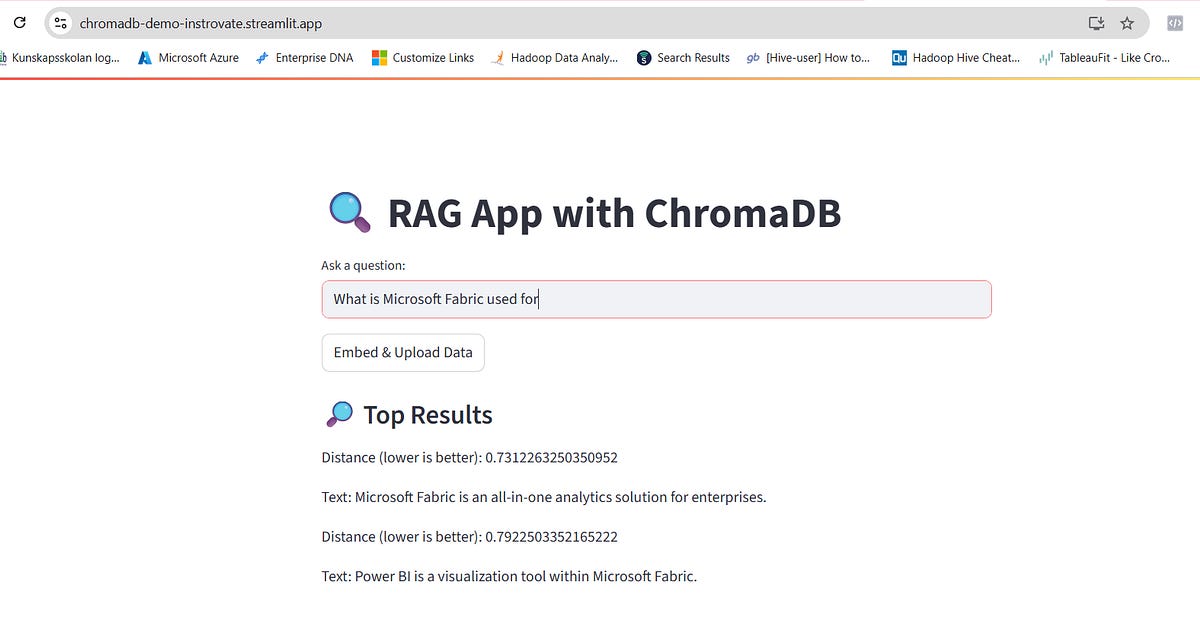
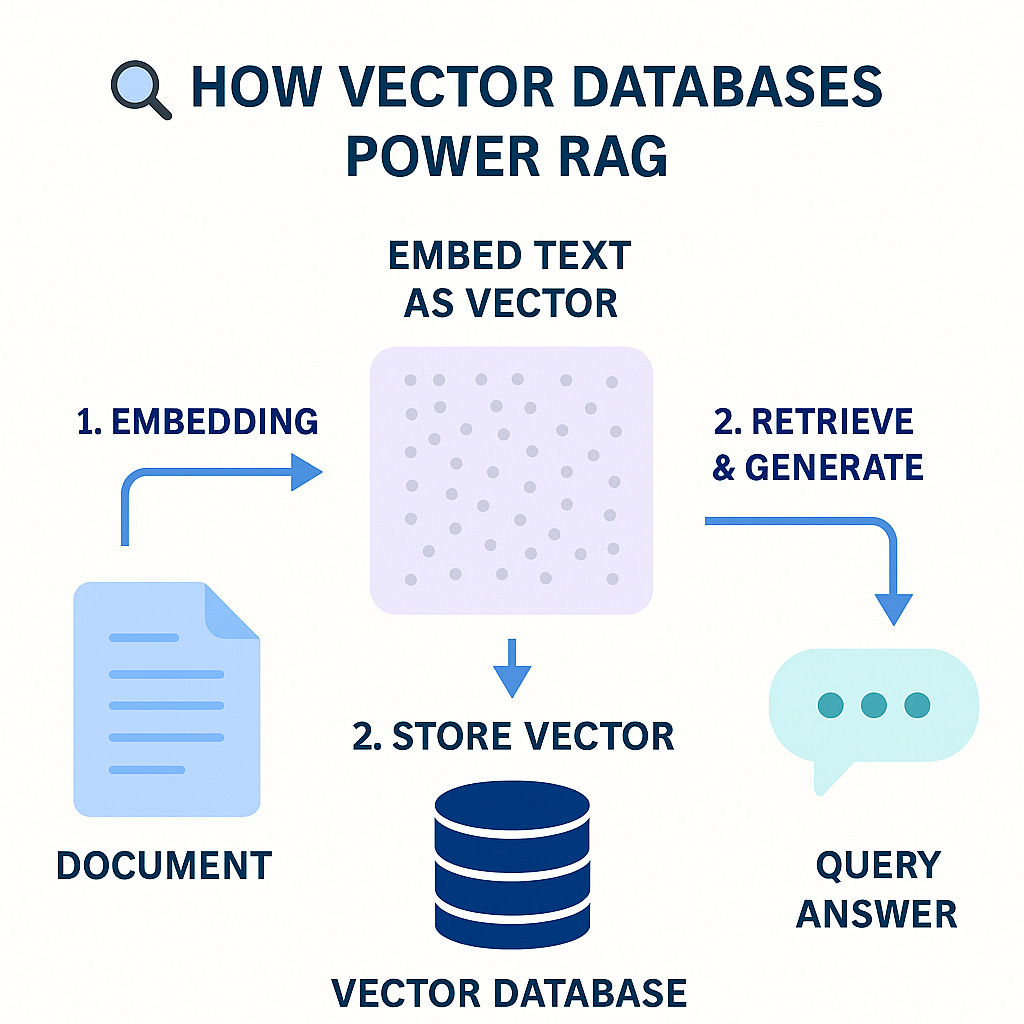
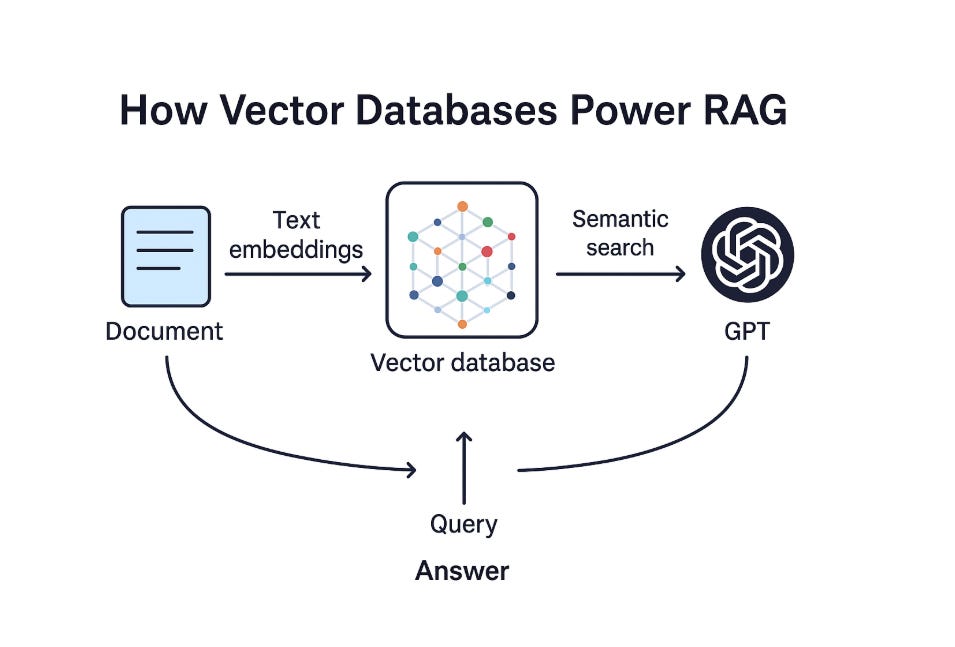
A vector database stores text as mathematical vectors — imagine turning every sentence in your PDF or SQL result into a set of 1536 floating-point numbers using OpenAI's embeddings.
Why?
Because these vectors let you search by meaning, not just by keywords.
Ask: “What are the refund conditions?”
It retrieves the most relevant text chunks — even if the exact word "refund" doesn’t appear!
🔍 Why RAG Pipelines Need Vector DBs
Without a vector DB, your RAG pipeline:
Can only work in-memory
Can’t scale across documents
Can’t persist across sessions
With a vector DB, your pipeline becomes:
Faster (retrieves only the most relevant chunks)
Smarter (understands similarity)
Scalable (handles multiple documents over time)
🚀 What We’ll Do Next
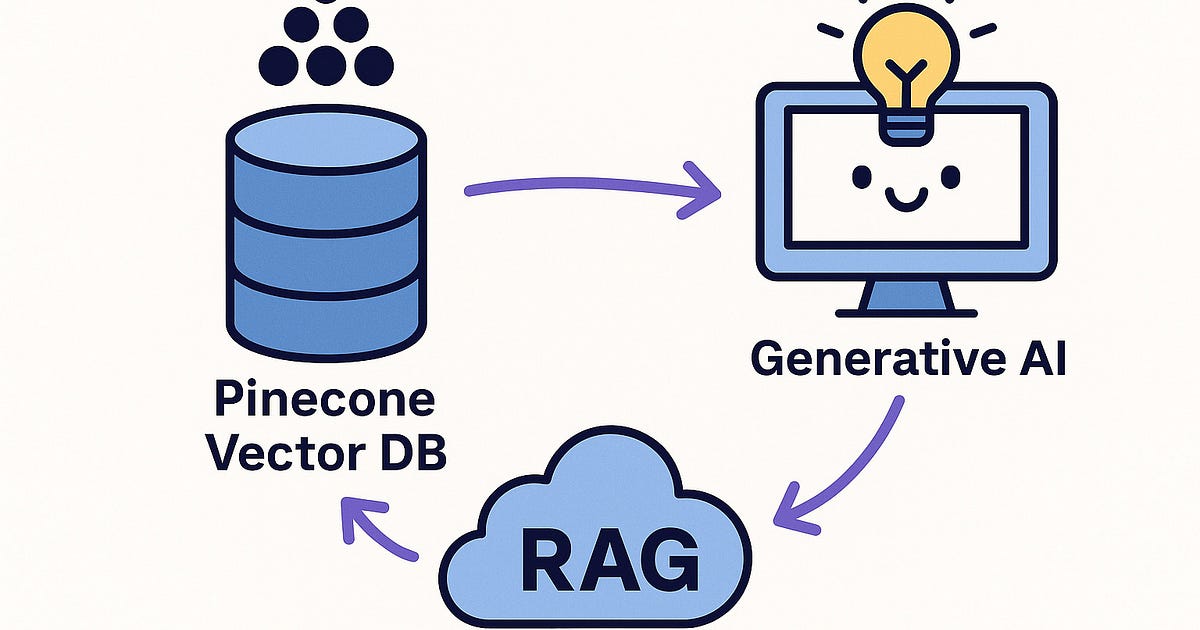
We’ll now extend our app with Pinecone — a production-grade vector database.
👉 In the next post, we’ll:
Create a free Pinecone account
Embed PDF or SQL chunks into vectors
Store them in Pinecone
Retrieve and answer user questions using GPT
Yes — it’ll be fully cloud-hosted, and you can try it from your browser 🚀
👀 Preview
Think of Pinecone like a superpowerful Google — but it searches your own data by meaning instead of keywords.
🔹 Upload a company doc
🔹 Ask questions like “What’s the policy on PTO?”
🔹 Get GPT-powered responses, backed by Pinecone
📌 Coming up: Day 14 – Let’s create a Pinecone account and write code to store vectors
You’ll be amazed how easy and powerful it is!
🙌 If You’re Following Along:
✅ Bookmark this post
✅ Make sure you have your OpenAI API key
✅ Get ready to build your own enterprise RAG assistant
Originally published on Substack