Day 14 (Part 2) 🔄 Pinecone vs. ChromaDB: When to Use What in Your RAG Stack + Fully Deployed ChromaDB Demo on Streamlit
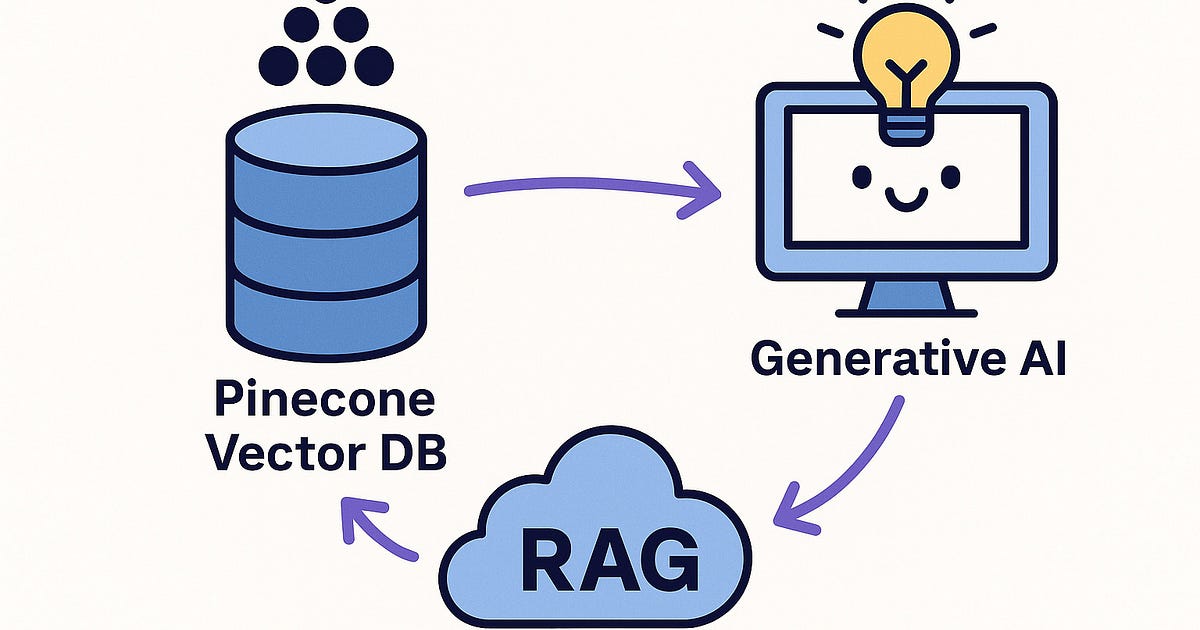
In Day 14 – Part 1, we built a Retrieval-Augmented Generation (RAG) app using Pinecone — one of the most popular cloud-native vector databases.
what if you want to:
Move faster with no authentication hassles?
Build a local, lightweight prototype without worrying about billing or API keys?
Keep your data fully in-memory or self-hosted, without relying on an external service?
That’s where ChromaDB shines.
Today, we’re flipping the script.
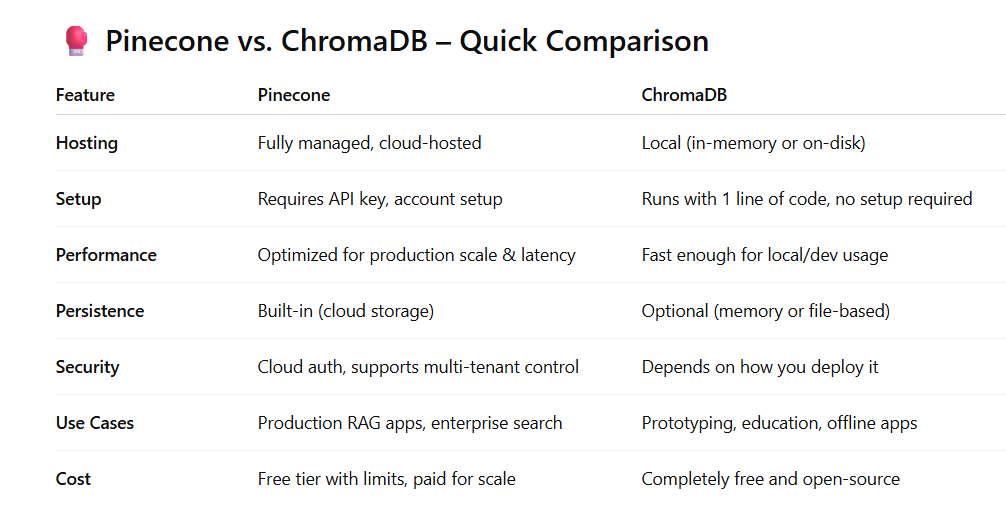
We’ll build the same RAG pipeline — this time with ChromaDB as our vector DB backend — and walk through the pros, cons, and ideal use cases of each.
TL;DR:
Use Pinecone when you’re building at scale, need SLAs, and want hosted reliability.
Use ChromaDB when you’re building quick demos, learning, or running local/private apps.
🚀 Today’s Goal
We’ll build a fully working RAG app using:
Streamlitfor UIOpenAIfor text embedding + GPT completionChromaDBfor local vector storage + semantic search
All deployed on Streamlit Cloud with zero DB setup.
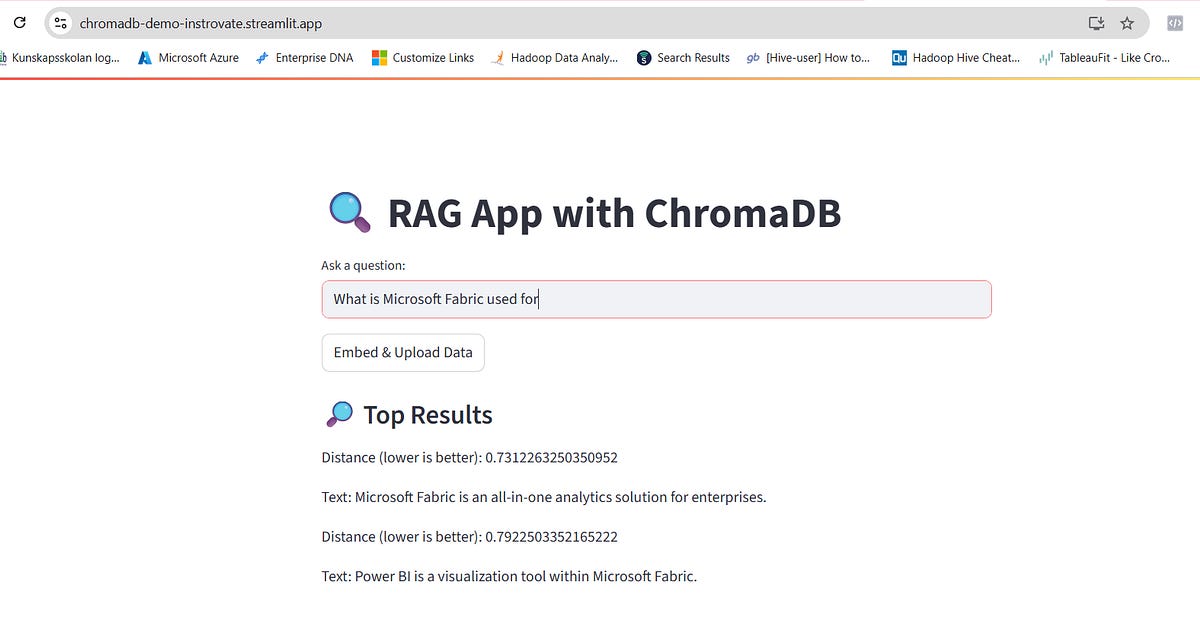
🛠️ RAG App Demo: Powered by ChromaDB
🌐 Live App:
https://chromadb-demo-instrovate.streamlit.app/
🧪 How the App Works (Behind the Scenes)
✅ Step 1: Add Some Data
Hit “Embed & Upload Data”
The app adds sample knowledge (like "Microsoft Fabric is an all-in-one analytics solution") into ChromaDB
The data is auto-embedded using OpenAI’s
text-embedding-3-smallmodel
✅ Step 2: Ask a Question
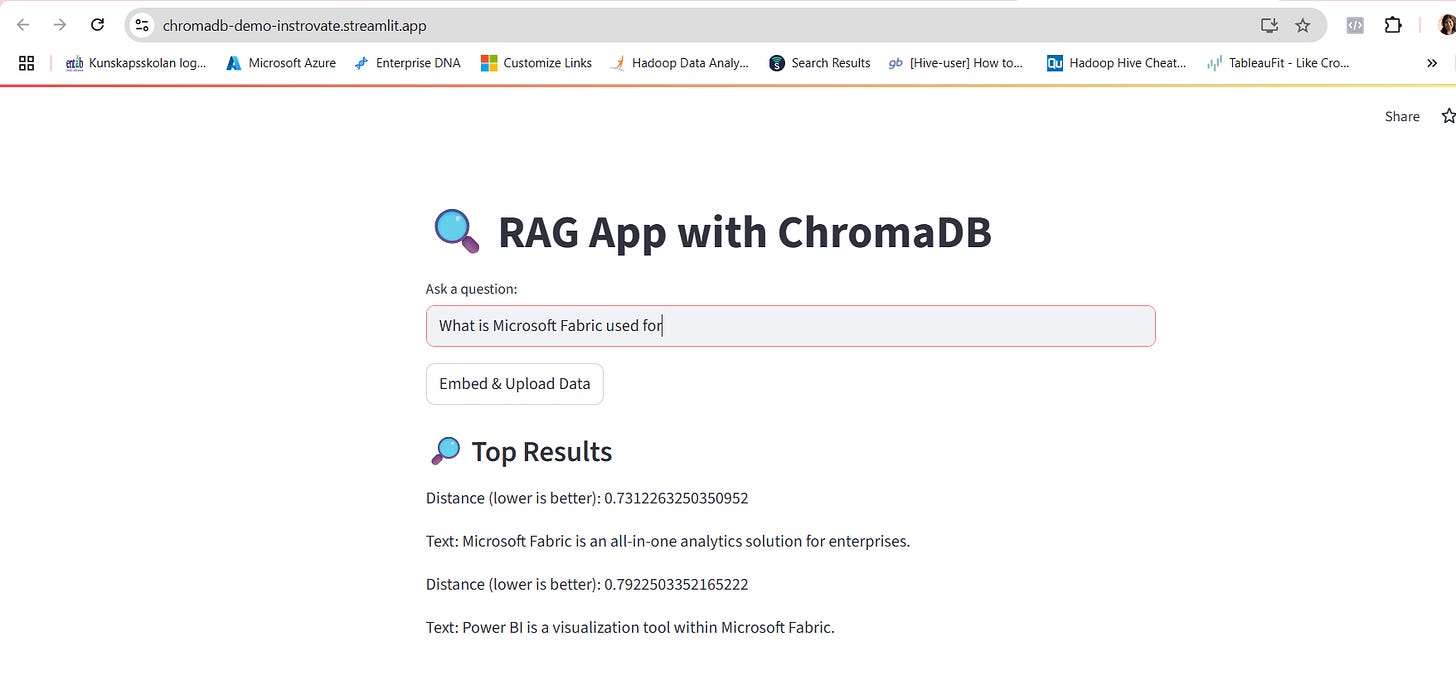
Enter a natural language question like:
“What is Microsoft Fabric?”ChromaDB retrieves the most relevant embedded snippets
Results are shown along with semantic distance scores
(Lower score = better match)
✅ Step 3: You Get:
Instant, local semantic search
Live, working demo of a RAG pipeline with no DB server or cloud costs
Easy to extend: You can plug in your own docs, PDFs, or web pages later
✅ Example: Try This Live on the App
🌐
https://chromadb-demo-instrovate.streamlit.app
You can demo this in 3 quick steps:
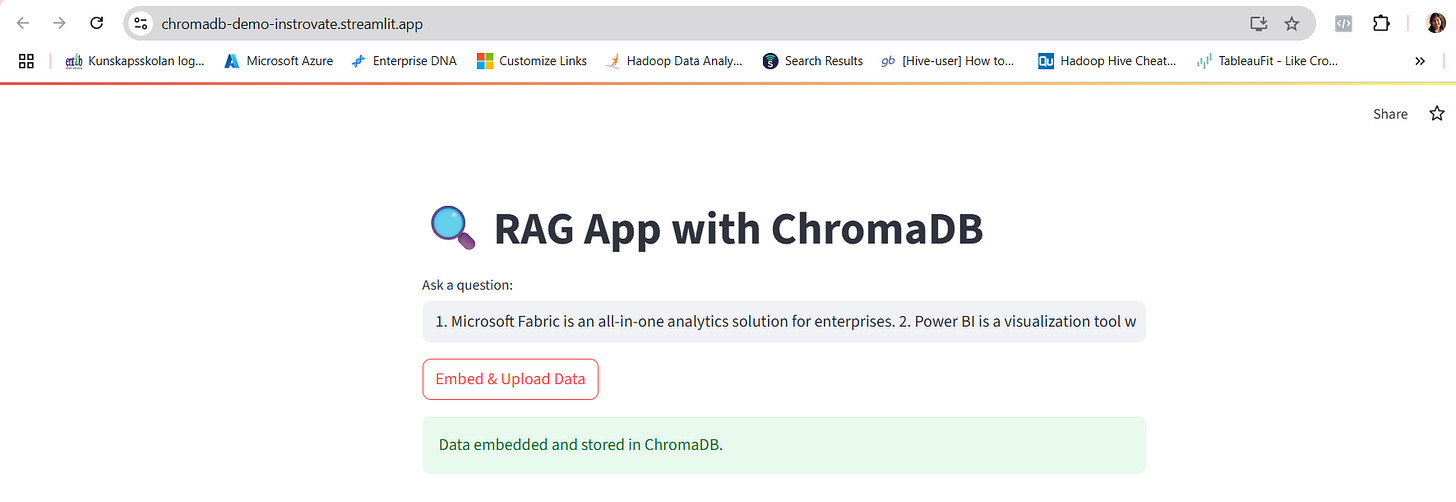
Step 1: Click “Embed & Upload Data”
Copy the below text and click on embed and upload data .
This will upload the following sample text snippets into ChromaDB:
text

1. Microsoft Fabric is an all-in-one analytics solution for enterprises. 2. Power BI is a visualization tool within Microsoft Fabric. 3. ChromaDB is a vector database used for semantic search.
You will get the success upload message as below
Step 2: Enter a Question
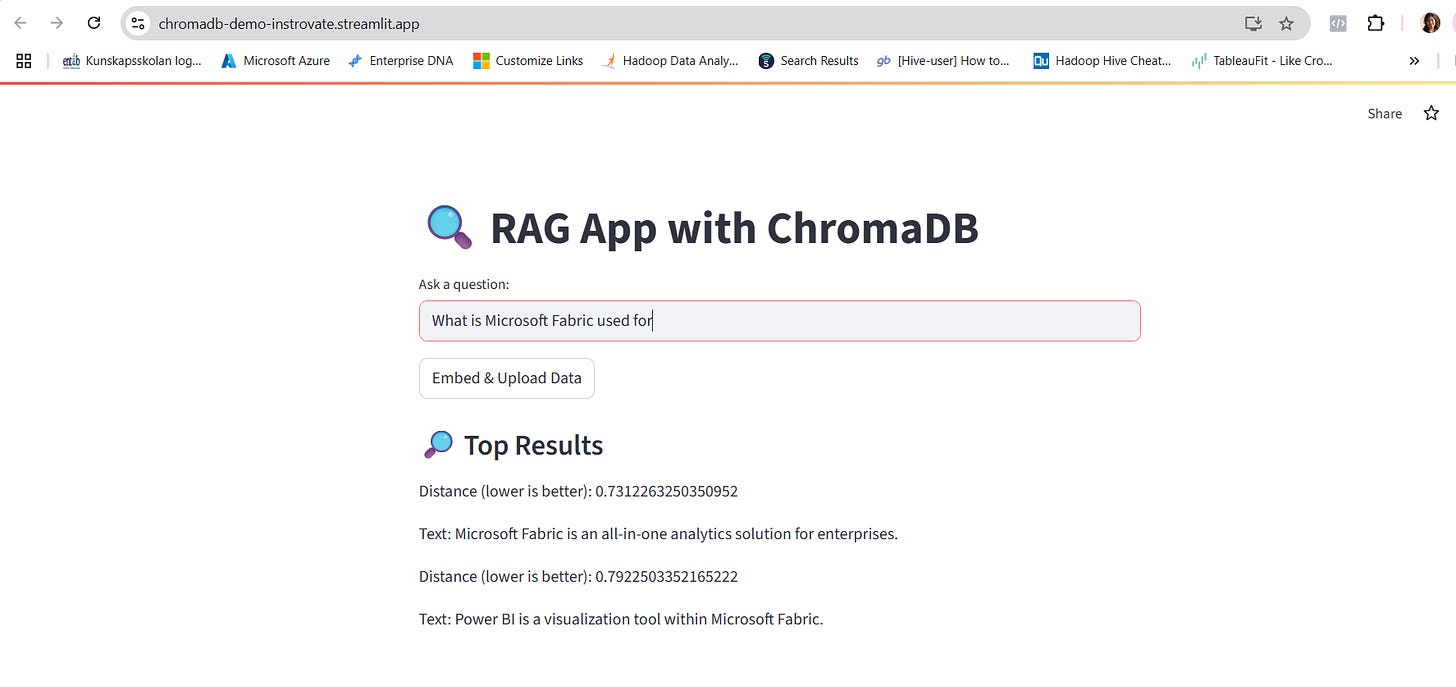
Type in a natural question like:
❓ “What is Microsoft Fabric used for?”
or
❓ “What tool does Fabric use to visualize data?”
Step 3: View the Result
You’ll see results like:
Distance (lower is better): 0.01321 Text: Microsoft Fabric is an all-in-one analytics solution for enterprises.Distance (lower is better): 0.01876 Text: Power BI is a visualization tool within Microsoft Fabric🧠 This shows how:
The query was embedded
ChromaDB matched it to the closest meaning (not exact keywords)
You retrieved relevant answers in seconds — without hardcoding anything
Originally published on Substack