Day 14 - Part 1 – Bring in the Memory: Adding Pinecone Vector DB to Your RAG App
A step-by-step guide to set up Pinecone, integrate it with OpenAI, and bring smart memory to your LLM app.
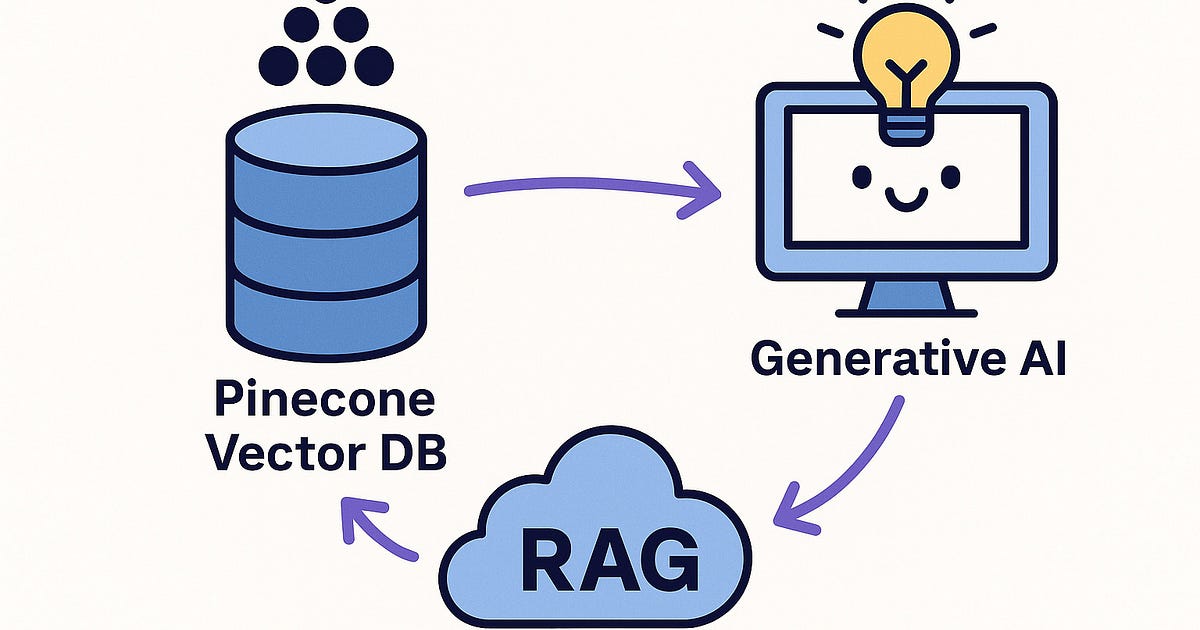
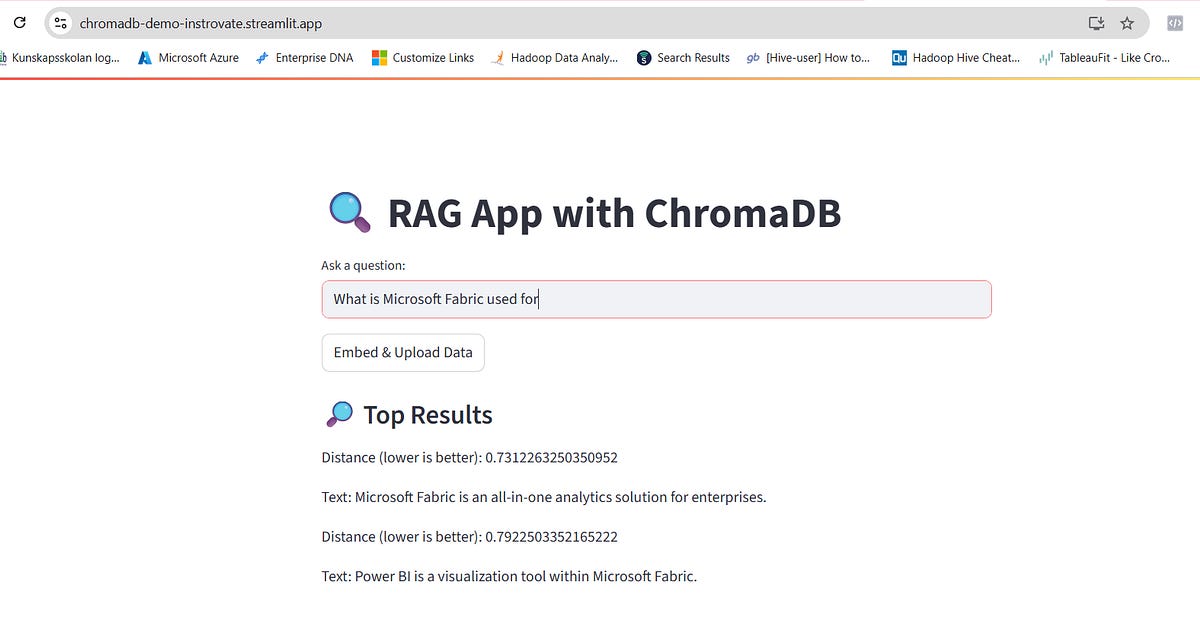
Ever wondered how ChatGPT remembers things between questions?
Or how AI apps give relevant answers from thousands of documents?
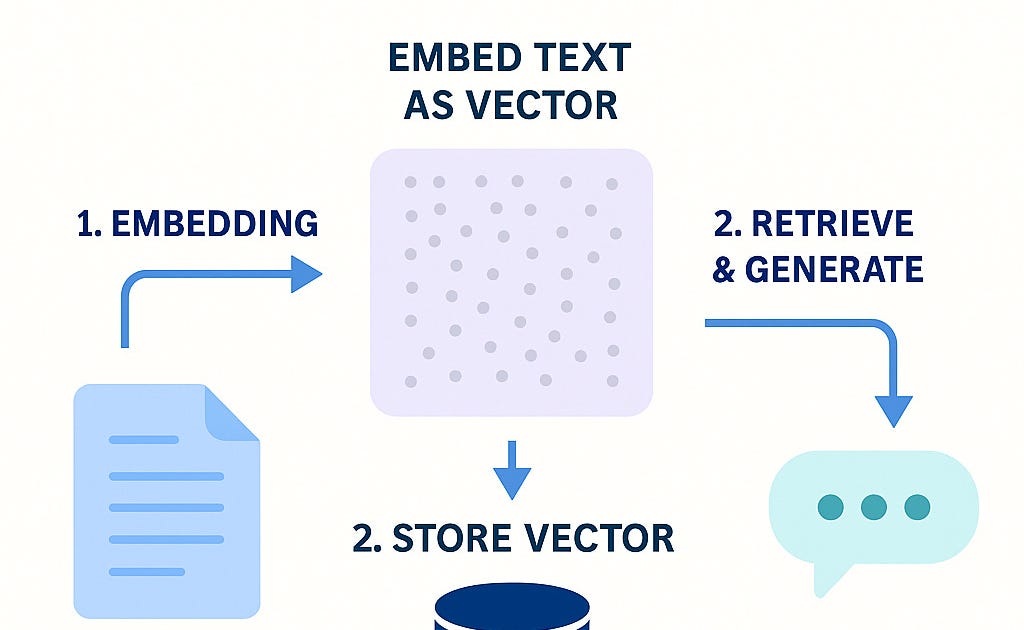
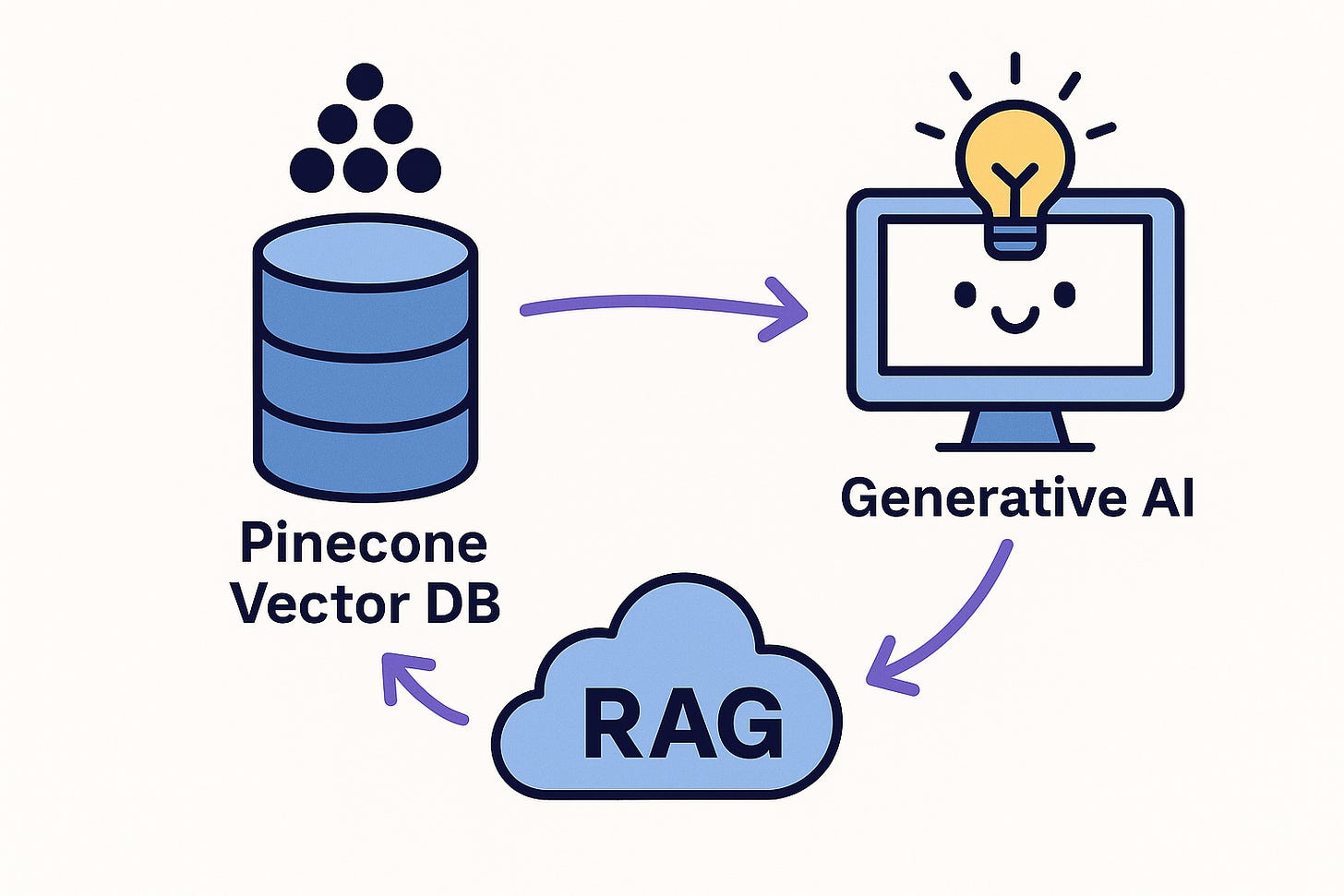
That’s the magic of vector databases – and today, we’re adding that power to our RAG pipeline using Pinecone.
💡 Why We Need a Vector DB
In RAG, we retrieve relevant chunks from our data and feed them to the LLM. But as our data grows, we need:
Fast similarity search 🏃
Scalable indexing 🔍
Persistent memory 💾
That’s where Pinecone shines ✨
🔧 Step-by-Step: Setup Pinecone
Here’s how you can create your free Pinecone account and index in under 10 minutes:
✅ 1. Sign Up and Login
Visit https://app.pinecone.io, create an account, and choose the Starter Plan (free, with 2GB memory and up to 5M tokens).
✅ 2. Create New Project + Index
Go to Database > Indexes and click Create Index.
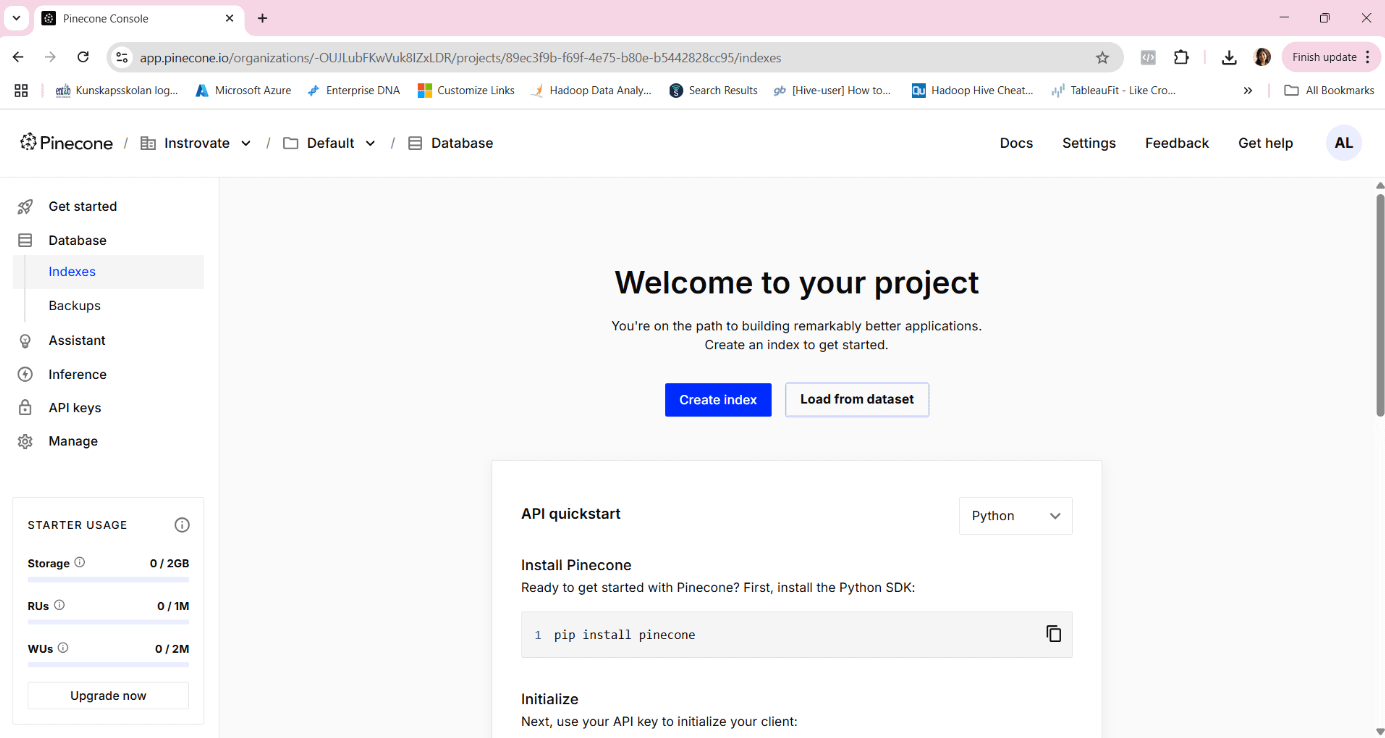
Follow the steps ( refer screen below )
✅ 3. Configure Index
Index Name:
instrovate-rag-index✅Embedding Model: Choose
text-embedding-3-largeorllama-text-embed-v2Modality: Text
Vector Type: Dense
Dimension:
1024(matches OpenAI/LLM embedding size)Metric:
cosine(default)
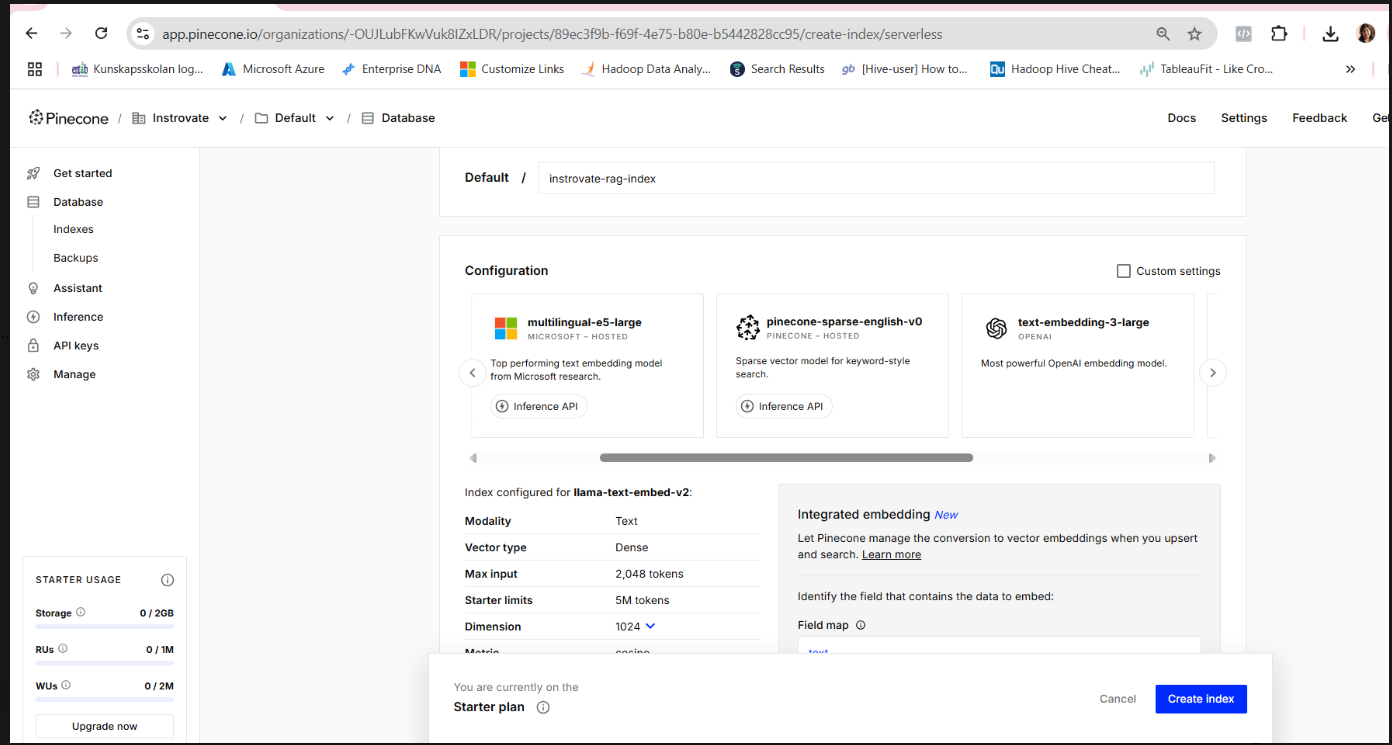
✅ Click Create Index once all values are set.
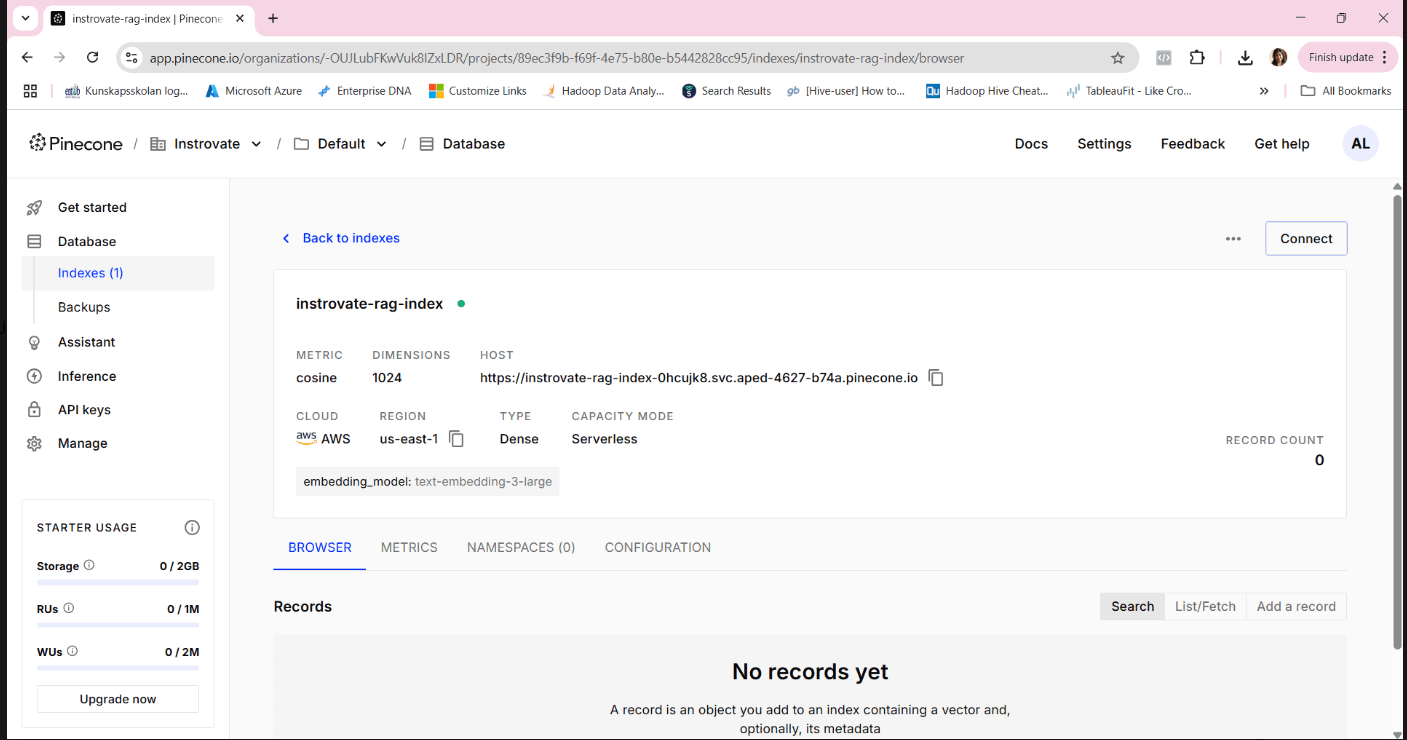
✅ 4. After Creation — Take Note of These
Once your index is created, you’ll see this screen:
Copy the following for your app’s backend:
Index Name: instrovate-rag-indexEnvironment: e.g.,us-east-1API Key: fromAPI Keyssection on left panelHost: Given in your index config
🚀 Next Step: Add Pinecone Memory to Your App
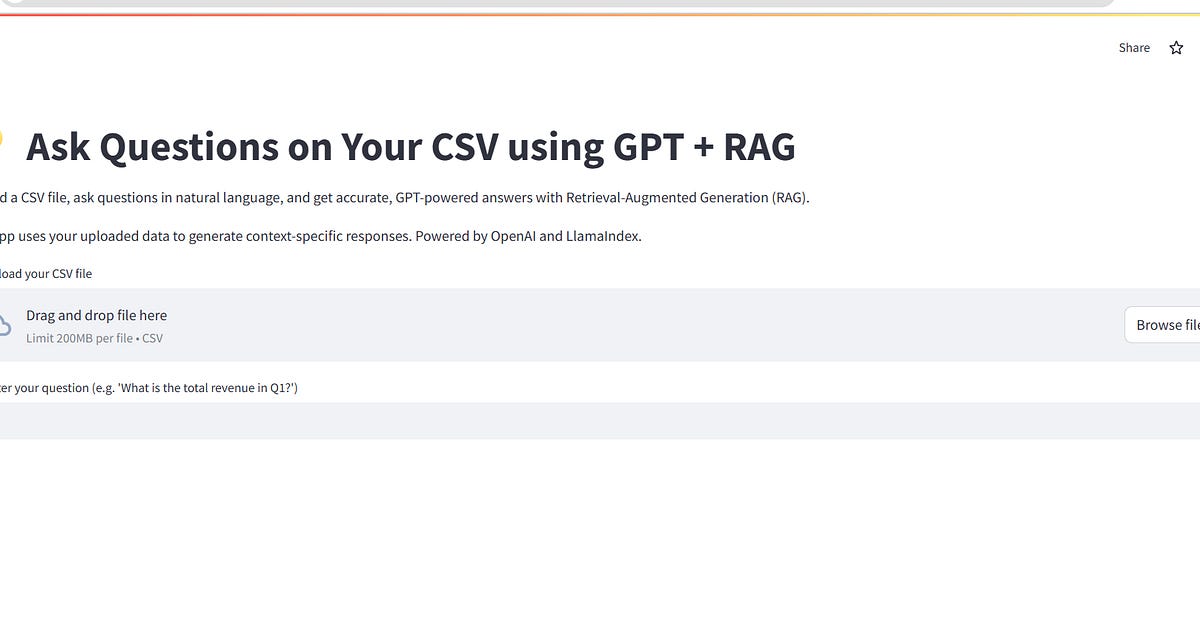
Now that your Pinecone vector DB is ready — we’ll plug it into our existing Streamlit RAG app. Here’s what’s next:
✅ Coming Up Next (Part 2 of Day 14):
Setup your
.envfile withPINECONE_API_KEY,PINECONE_ENV,PINECONE_INDEXUse
llama-indexorlangchainto:Convert new queries + docs into embeddings
Store vectors in Pinecone
Retrieve top-k results
Render memory-enabled responses in your Streamlit chat UI
🧠 Why This Matters
Vector memory allows your app to remember past questions, track user context, and perform semantic search across massive datasets — whether it’s uploaded PDFs, SQL databases, or customer chats.
With Pinecone, you now have:
💾 Persistent memory
⚡ Fast semantic retrieval
🔁 Scalable vector search for hybrid or multi-modal RAG
✅ TL;DR
🔨 You’ve now created a working Pinecone index
🧠 This gives your GPT app long-term memory
⏭️ Next step: Add embedding + retrieval code in your backend (coming in next post)
Originally published on Substack