From AI User to AI Builder
Live online AI classes for young people, ages 10–16
Your child can already use AI. That’s a starting point, not a skill. We teach them to build with it — and to think clearly enough to know when it’s wrong.
Small batches of five · Live online · Weekends · Taught by a Microsoft Certified Trainer
The problem we’re actually solving
Every child can ask ChatGPT a question. Every child can generate an image. That isn’t a competitive advantage anymore — it’s a baseline, and it will be more so every year they’re in school.
What almost no child can do yet is decide what’s worth building, judge whether an answer is any good, and carry an idea through to something finished that other people can actually use.
That’s what we teach. AI is simply the tool we teach it with.
We’re not a coding class that added AI. We’re an AI class that happens to teach coding — in the order that actually makes sense.
The roadmap
Four steps. Each one ends with something your child owns and can show. Most families start with the demo and decide one step at a time — there’s no package, no lock-in, and no obligation to continue.
Demo Class
One session, 75 minutes · Ages 10–16
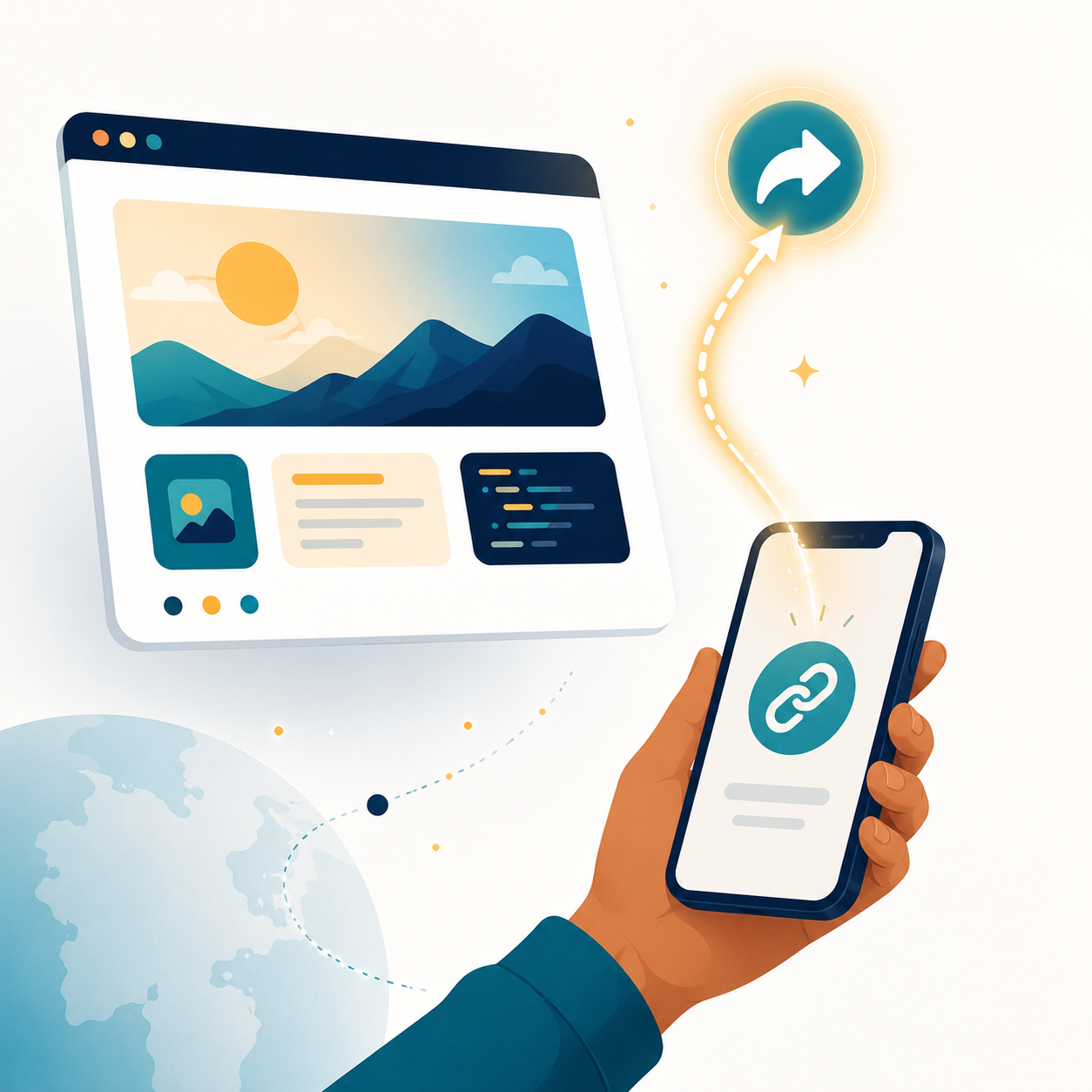
Try it before you commit to anything. In 75 minutes your child picks something they love, describes it clearly enough for a machine to understand, and publishes a real website. Not a drawing of one — a live page with a working link.
They leave with: a link that works on any phone, anywhere in the world.
The Bootcamp
Four sessions, 90 minutes each · Ages 10–16
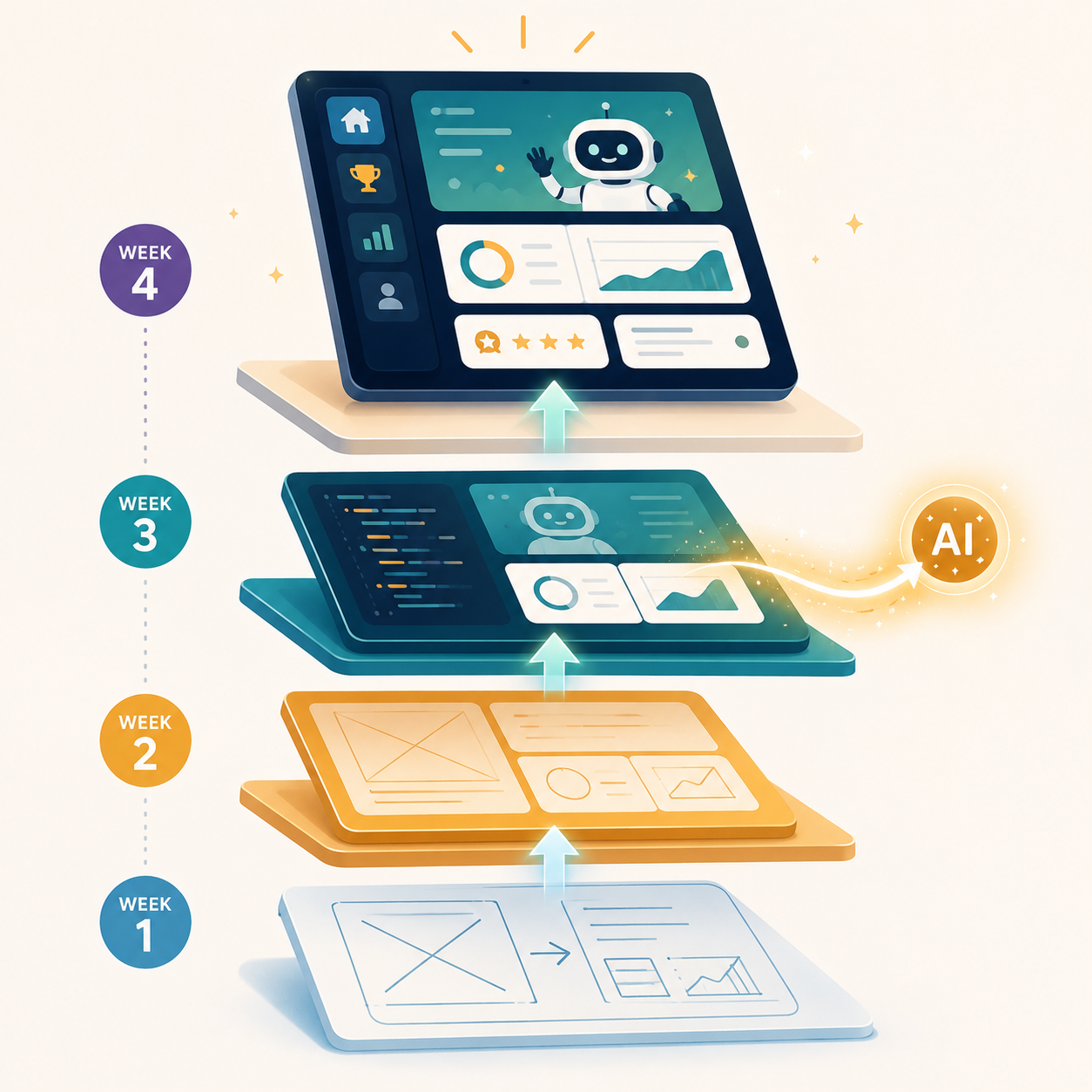
This is where they stop making pages and start building products.
- Week 1 — Find the problem. Every real app starts with something annoying. Your child finds theirs, and builds the first working version.
- Week 2 — Make it yours. They collect feedback from real people, then rebuild with intention.
- Week 3 — Add the brain. Their app becomes an AI app — it generates its own content and adapts. This is also where they learn to catch AI being confidently wrong.
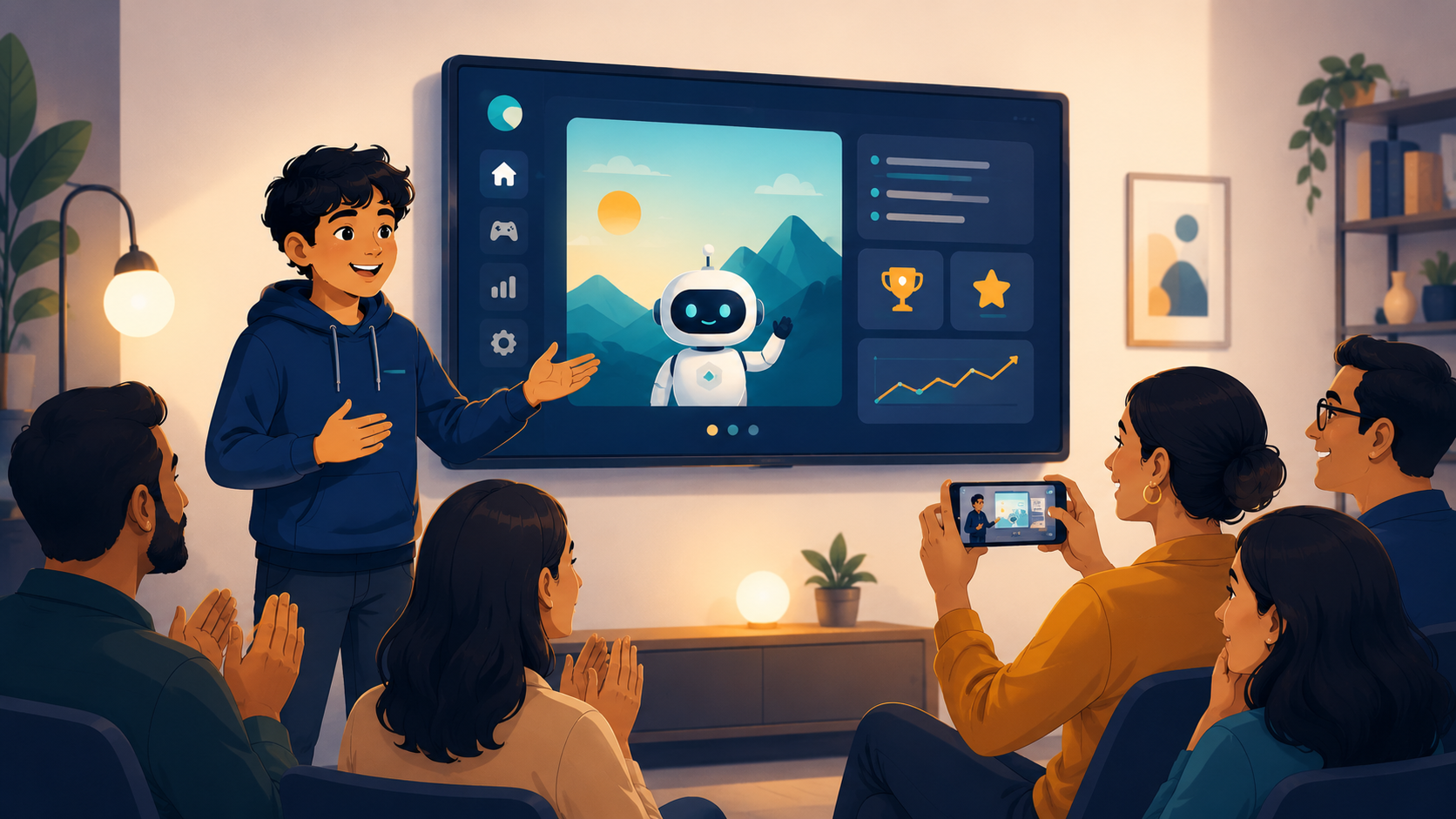
- Week 4 — Launch day. Each child presents their app to the group and to parents.
They leave with: a working AI application at a live URL, and the experience of having presented it.
Intermediate: Under the Hood
Six sessions, 90 minutes each · Ages 13+
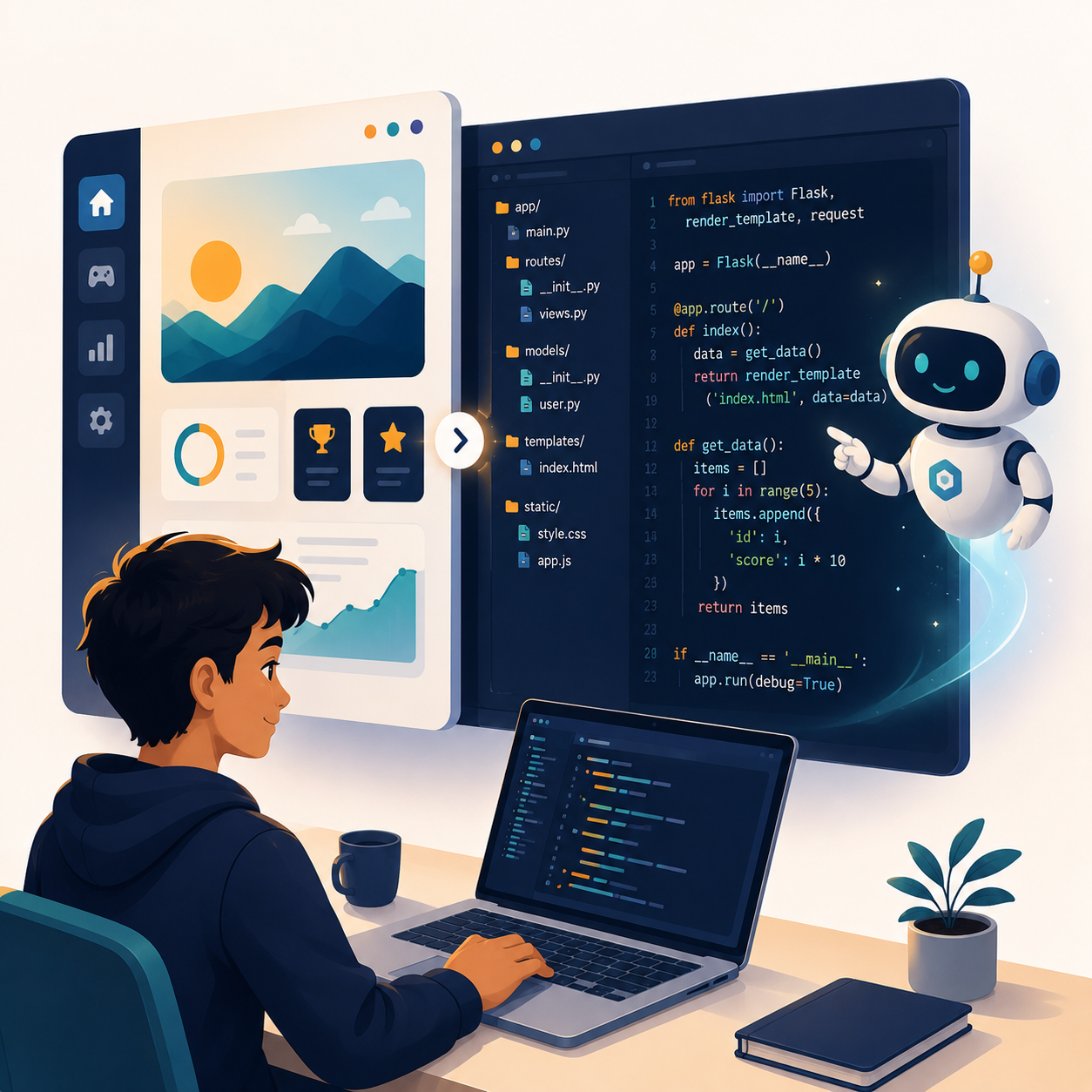
The app they built stops being magic. They open it, read it, and change it by hand.
- Push their project to GitHub and understand what a commit actually is.
- Work in VS Code, the editor professional developers use every day.
- Use GitHub Copilot to explain their own code, line by line.
- Change the screen, the logic, and the instruction sent to the AI model — directly, in code.
- Build one new feature end to end.
- Write a README and ship it properly.
They leave with: a GitHub profile with real commits, and their project as proper, readable code — a permanent public portfolio a school or university can look at years later.
Requires a laptop. Minimum age 13, in line with GitHub’s account requirements.
Advanced: The Real Thing
Eight sessions, 90 minutes each · Ages 13+
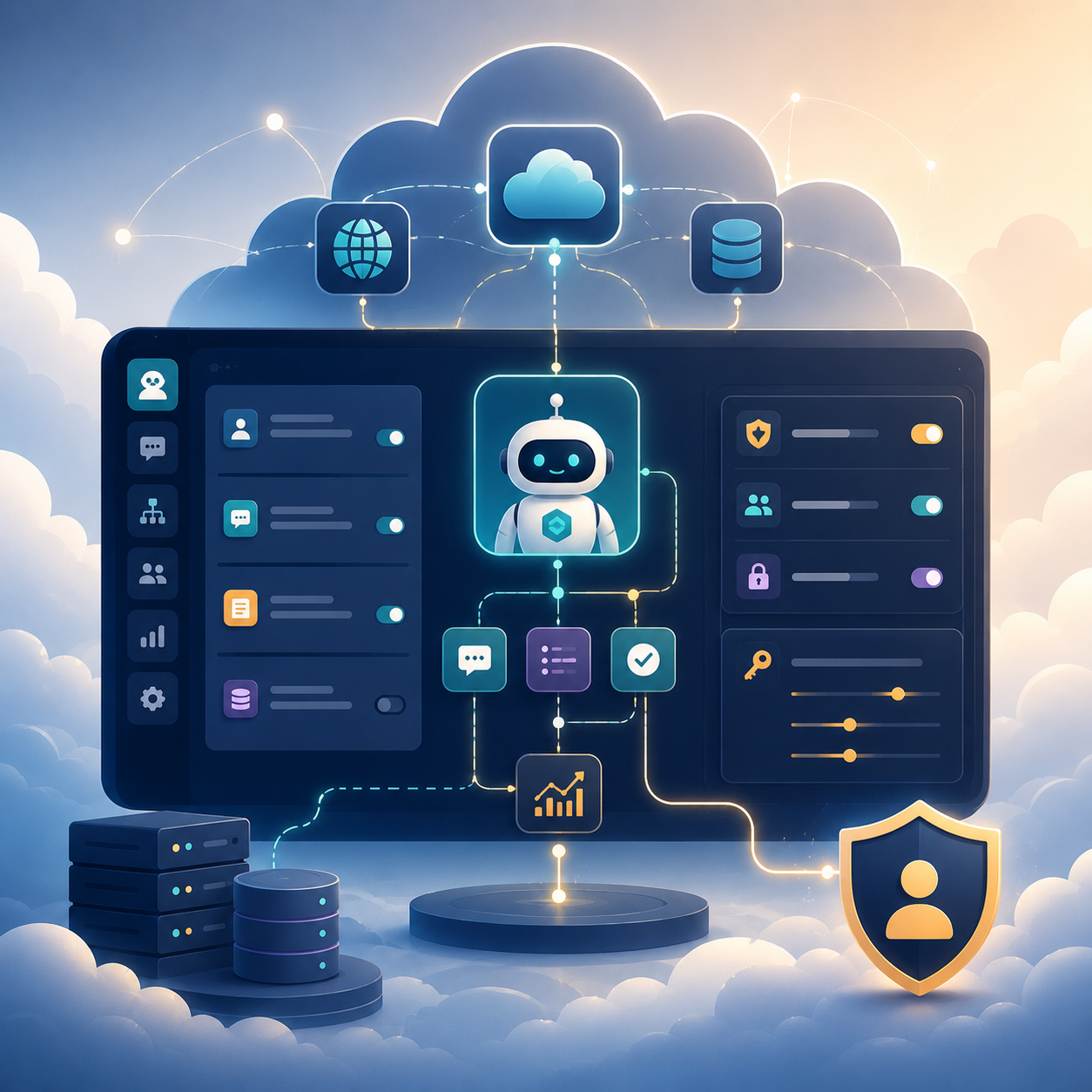
Official Microsoft labs. The same environment professionals work in.
- Cloud and AI concepts taught properly rather than simplified away.
- Hands-on time in official Microsoft lab environments.
- Build AI agents in Microsoft Copilot Studio — the same platform we certify corporate teams on.
- Grounding, permissions, and why an AI agent can only see what you’re allowed to see.
- Responsible AI: bias, hallucination and data protection.
- A full agent project of their own, presented at the end.
They leave with: genuine Microsoft lab experience, an AI agent they built, and readiness to sit a real industry certification exam.
Students as young as 14 have earned Microsoft certifications. Certification is optional and arranged separately — talk to us about it.
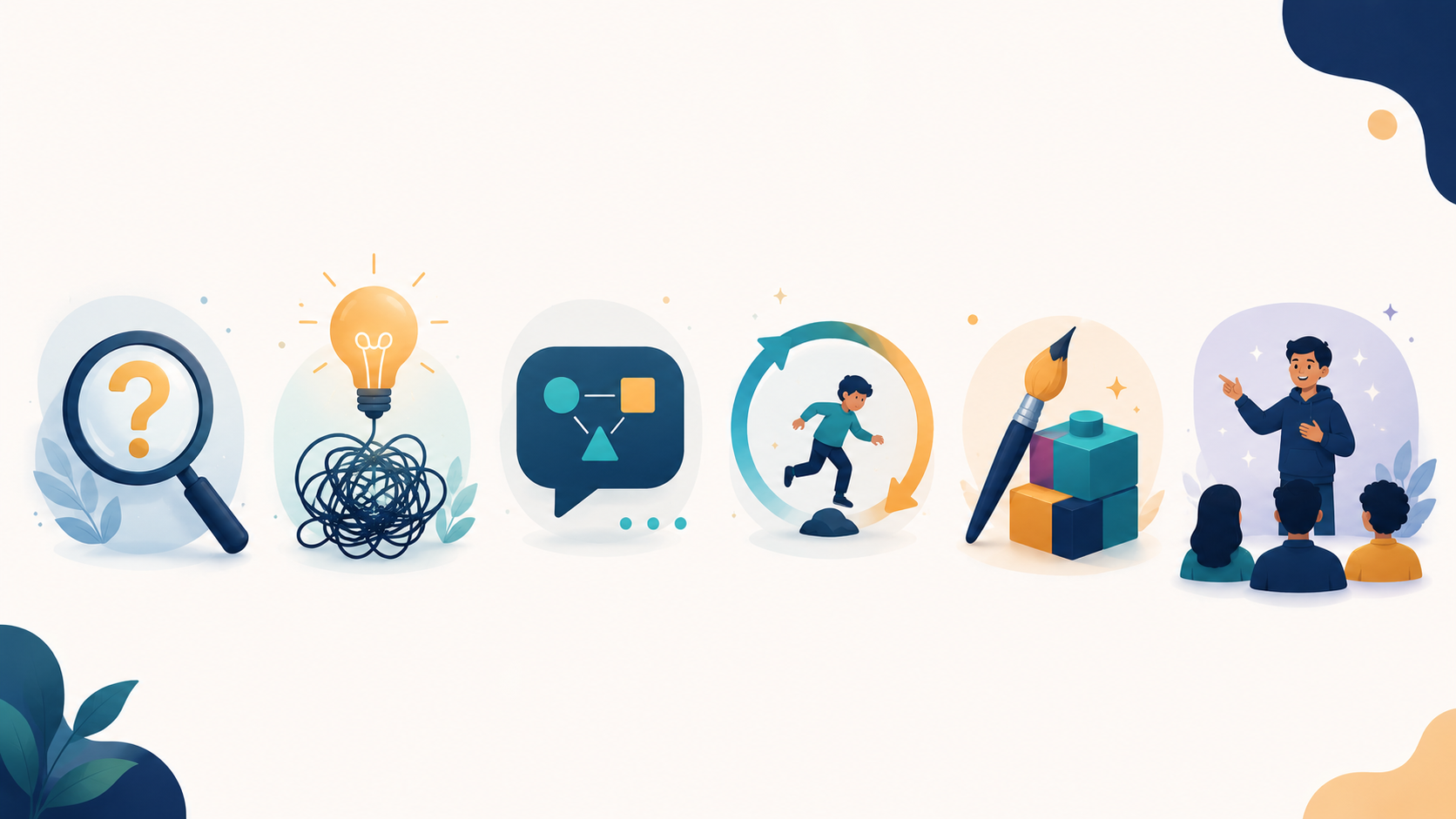
AI is the tool. These are the outcomes.
Critical thinking
AI gives confident answers, including wrong ones. Our students learn to question output, spot what doesn’t add up, and verify before they trust. In a world of AI-generated everything, this is the defining skill of their generation.
Problem-finding
Anyone can follow instructions. We start every project by asking what problem is actually worth solving. Finding the right question is harder, and rarer, than answering it.
Precision in communication
Working with AI means saying exactly what you mean. Vague thinking produces vague results. Students learn to structure an idea clearly before they type a single word.
Resilience
Nothing works the first time. Students learn to debug, adjust and try again without giving up. That isn’t a coding lesson. It’s a life lesson.
Creative ownership
Every child builds their own idea, not a template everyone copies. They leave with something that is genuinely theirs.
Confidence
Every course ends with each student demonstrating what they built and explaining why.
Why small batches, live
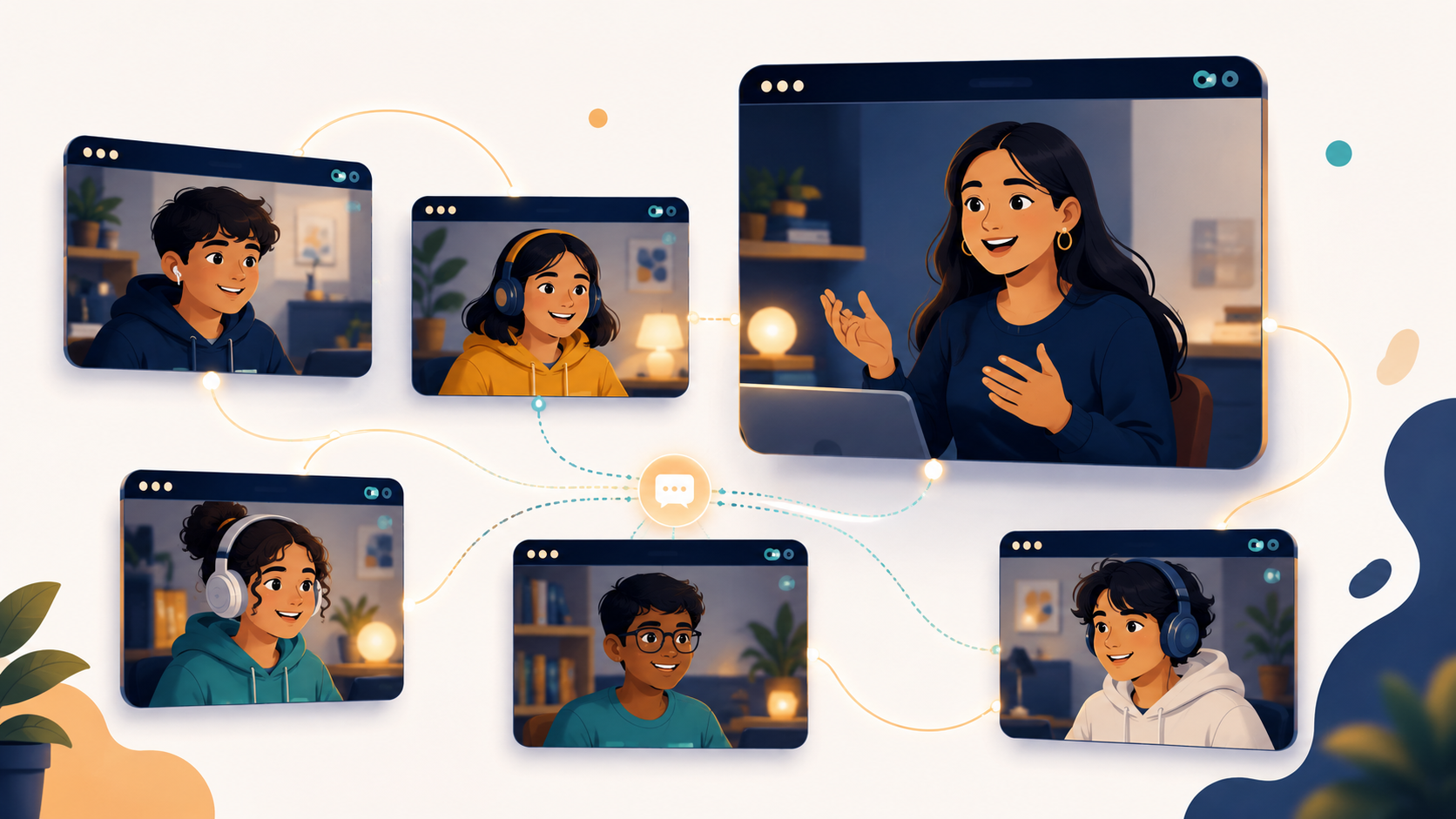
Five students. Never more.
Not a recorded course. Not a class of thirty. Five children, live, with a trainer who knows each of their projects by name.
Recorded courses have completion rates most providers won’t publish. Large online classes mean the quiet child never speaks. Five is small enough that nobody hides, and large enough that they learn from each other’s ideas — which is half the point.
Between sessions, students get online guidance on their assignments.
Akriti Lal — Microsoft Certified Trainer, Founder of Instrovate Technologies
Akriti delivers Microsoft and Databricks certification training to corporate teams globally, and has built and launched live AI products used by paying customers.
Your child won’t be taught by a university student reading from a script. They’ll be taught by someone who does this professionally, and who builds the same kind of thing they’re being asked to build.
Doing this at college, or professionally?
The Intermediate and Advanced material — GitHub and professional developer tooling, Microsoft Copilot Studio, official labs and certification preparation — is genuinely professional content, and we run it for adults too.
If you’re 16 or over, a college student, or a working professional, that’s a separate track under our main training programme, with adult cohorts and a syllabus pitched accordingly. Instrovate Junior cohorts are for ages 10–16 only; we don’t mix age groups.
See our professional training coursesWhat you need
- A laptop or tablet for the demo and bootcamp.
- A laptop from Intermediate onward.
- An email address your child can access.
- A reasonable internet connection for live video.
- Nothing to install, nothing to buy, no prior coding experience.
Frequently asked questions
One session. 75 minutes. $29.
Your child builds and publishes something real, and you both find out whether this is for them.
Email: support@instrovate.comThink. Build. Present. Repeat.
Stay Updated with Instrovate
Get the latest insights on Microsoft certifications, cloud technologies, and training updates delivered to your inbox.