Stop Copy-Pasting into ChatGPT — Here’s How Copilot Actually Works in Outlook, Excel, Word, PPT (and Power BI)
Most people still have no idea how Copilot actually works in the tools they use every day. 💡 Did you know? You don’t need to copy-paste sensitive emails into…
Most people still have no idea how Copilot actually works in the tools they use every day.
💡 Did you know? You don’t need to copy-paste sensitive emails into ChatGPT to get writing help.
With Copilot in Outlook, you can draft securely within your organization’s environment.
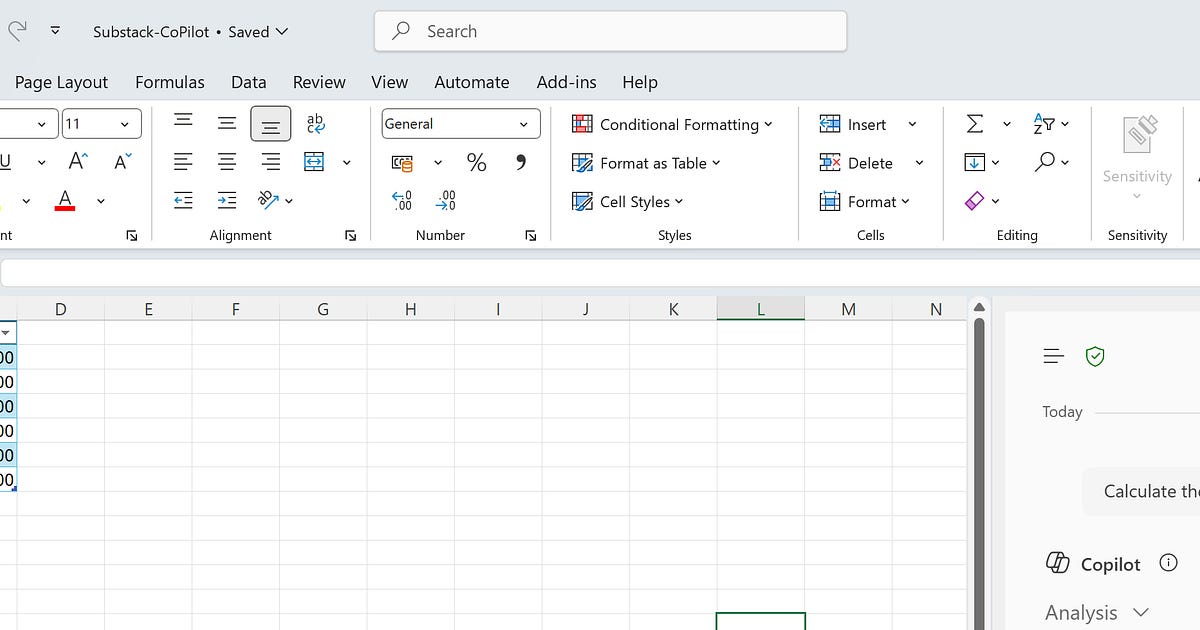
In Excel, Copilot can analyze your data, create formulas, and explain results.
In Word & PowerPoint, it can draft proposals, summarize reports, and generate slides instantly.
And yes — even in Power BI, Copilot can generate insights and dashboards without you writing a single DAX expression.
👋 Quick intro: I’ve spent the last 8+ years training professionals worldwide on Microsoft technologies. You can check my LinkedIn profile here - linkedin.com/company/instrovate
I regularly deliver official Microsoft sessions on Copilot for Microsoft 365 (Outlook, Word, Excel, PPT).
But here’s what frustrates me:
💸 People pay $$$ for “AI in Microsoft” courses and end up with endless theory instead of hands-on learning.
😒 They get hours (sometimes kilos!) of recorded videos that no one actually has time to watch.
❌ And almost never do they see real demos of Copilot in action — the kind that could transform their productivity the very same day.
So screw it—
I’m going to host a free live session right here on Substack where I’ll show you:
✨ Copilot across Outlook, Word, Excel, PPT, and Power BI
✨ Real workflows (not marketing fluff)
✨ Natural language → instant dashboards and insights
✨ Secure AI inside Microsoft 365 (no risky copy-paste)
✨ Open Q&A with me
📅 When?
The session will go live once we have 20 people interested.
👉 I’ll announce the exact date a couple of days in advance so you have time to plan.
🙌 How to join?
Like this post ❤️
Drop a quick “I’m in” in the comments
Or DM me directly if you’d prefer details privately
This isn’t just about showing off AI.
It’s about building trust — so you see what I do, get real value, and know exactly where to go when you’re ready for deeper training.
So — if you want to finally see Copilot in Outlook, Word, Excel, PPT, and Power BI in action, comment “I’m in” below 👇
And if you know someone who should see this too, tag them in the comments so they don’t miss it.
Let’s make AI practical, not just a buzzword.
#Copilot #Microsoft365 #PowerBI #AI #FreeTraining
Originally published on Substack