🧩 AI-Ready Engineer Day 5 — The RAG Pipeline Explained (With Examples for Data Teams)
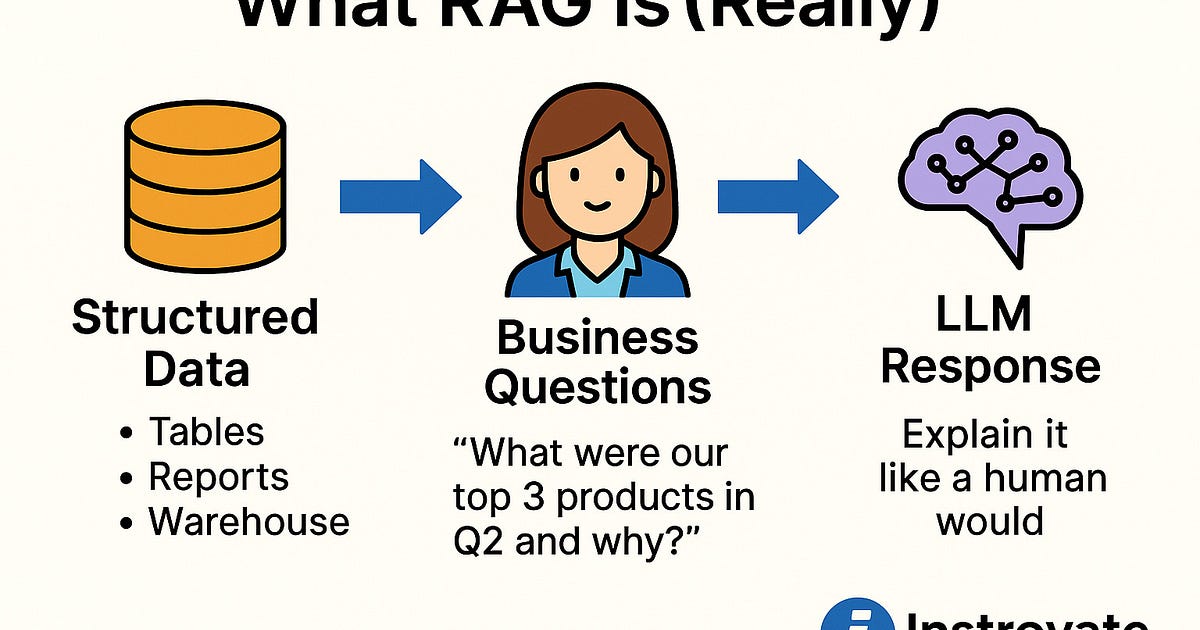
Part of the “AI Engineering for Data Engineers & Analysts” series . So far, we’ve covered what RAG is and why it matters. Today, we walk through a real-world RAG pipeline.
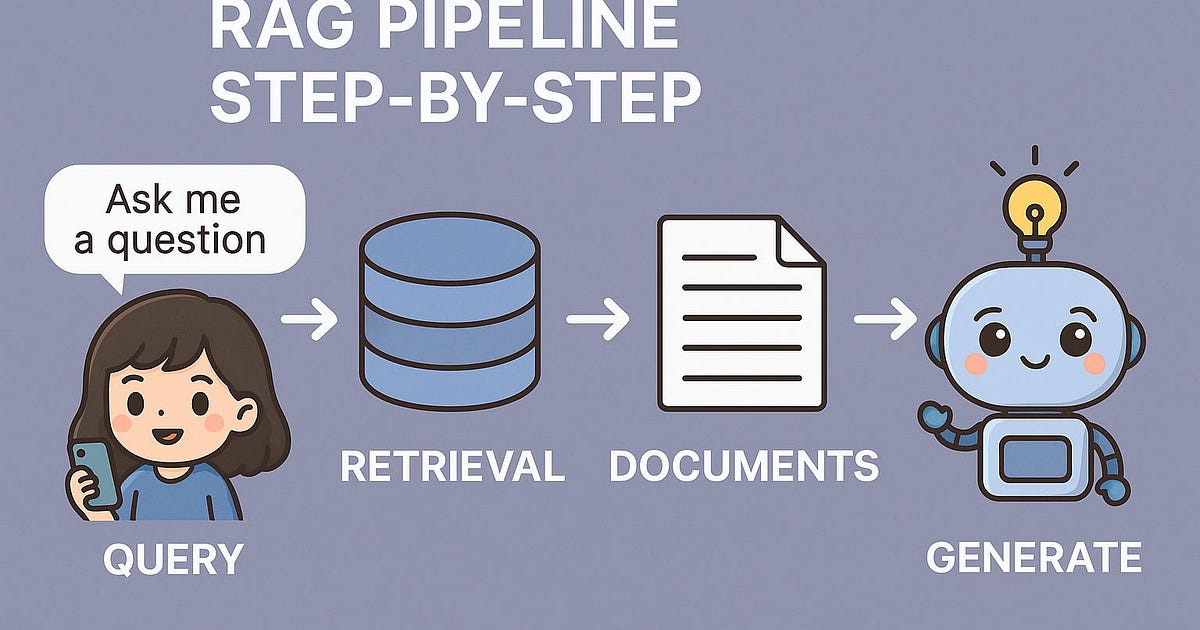
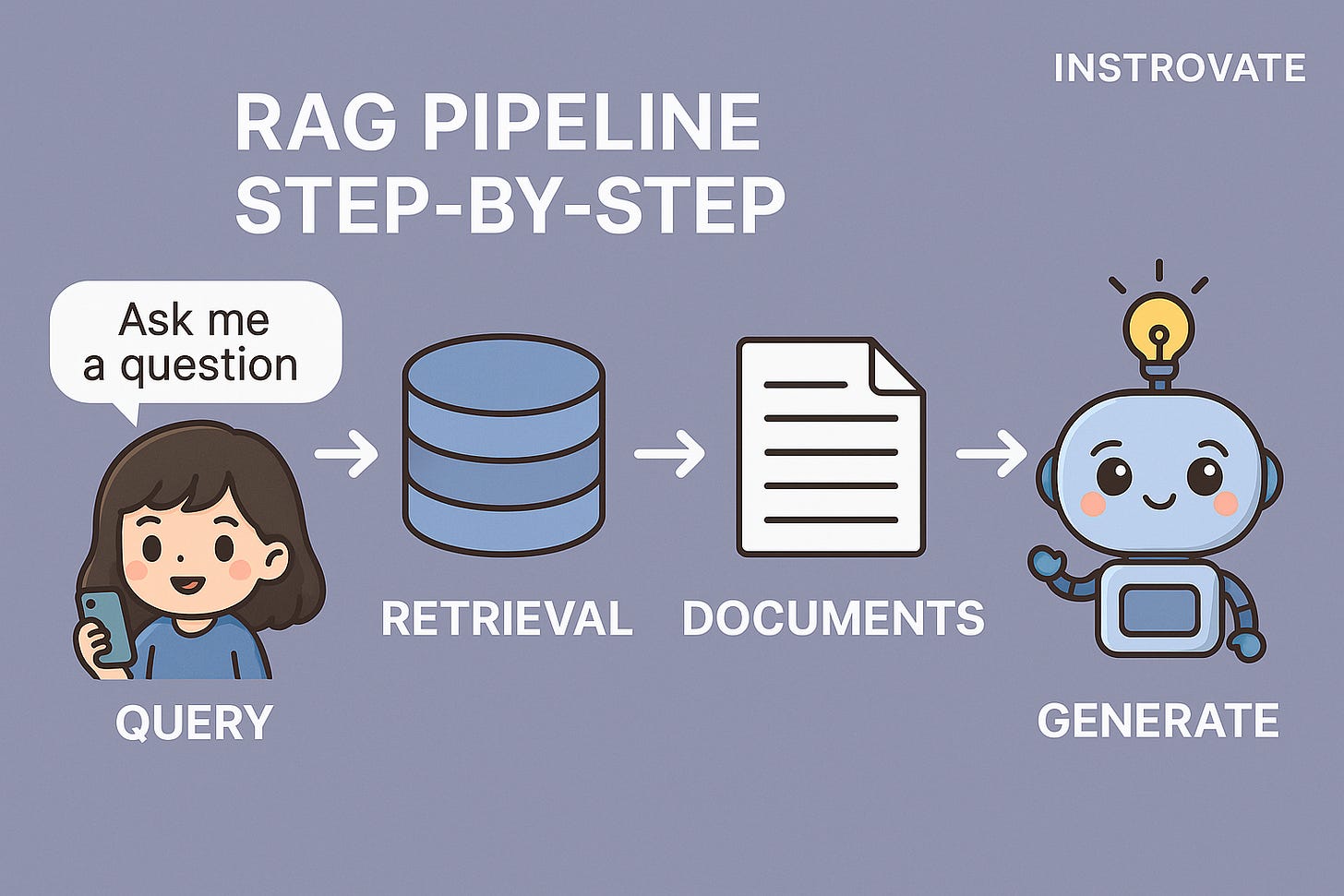
RAG pipeline — the kind of thing you’d actually build in your company using Microsoft or AWS tools.
🧠 RAG Pipeline Components
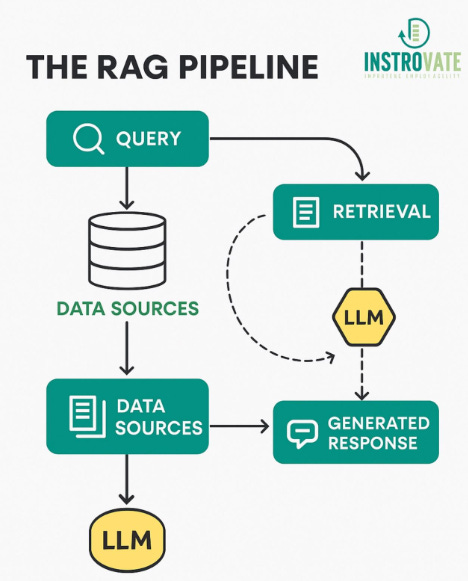
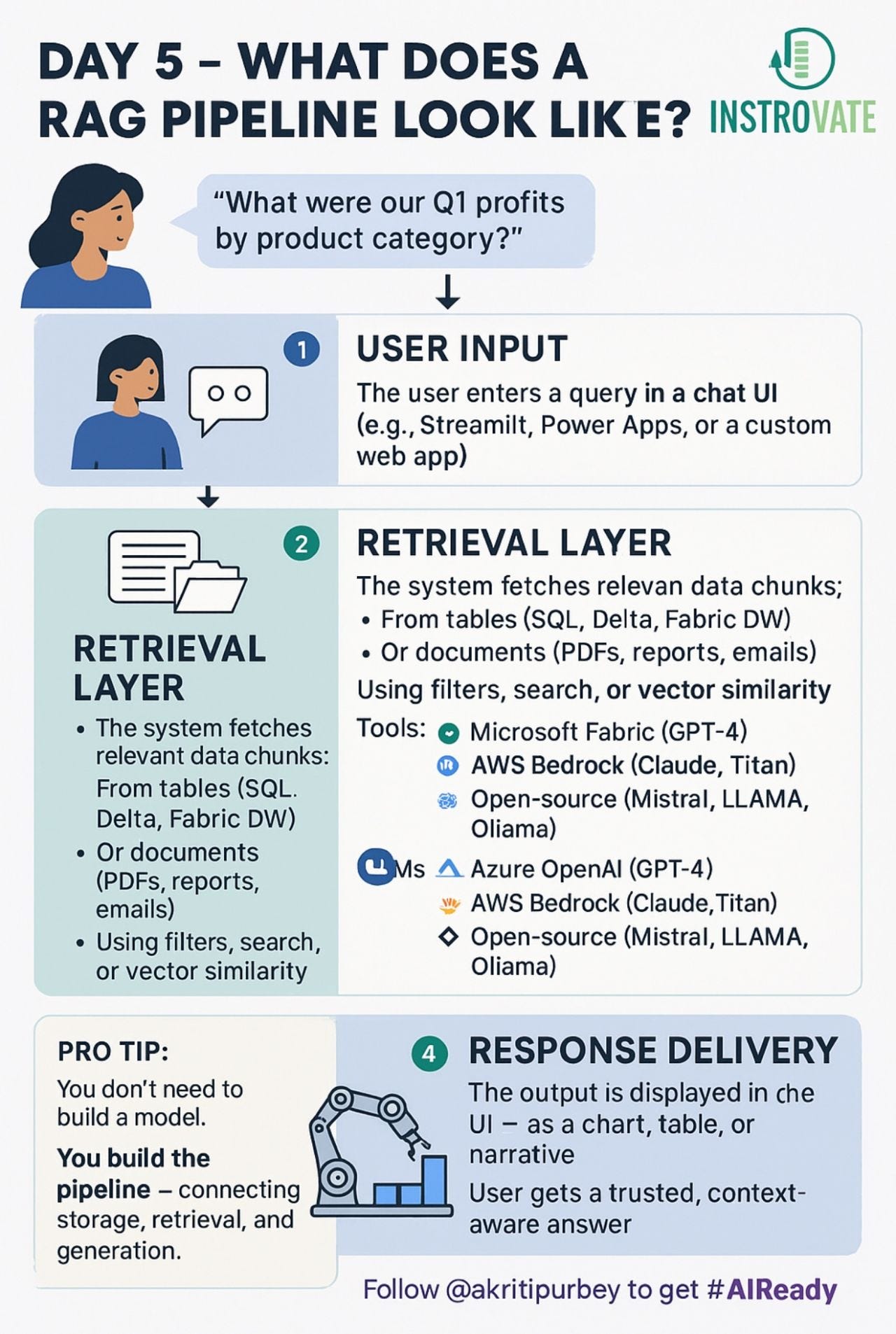
Here’s how it works step by step:
User Input (natural language query)
“Show me Q2 sales trends by region.”Retriever Layer
Vector DB or SQL-based retriever that searches your internal data sources.Data Chunking & Embedding
Content (docs, tables, reports) is chunked & converted to embeddings during pre-processing.Prompt Builder
The retrieved data is combined with the query into a structured prompt template.LLM Layer
The prompt is passed to an LLM like GPT-4 or Claude via Azure OpenAI or AWS Bedrock.Response Builder
The LLM response is parsed, optionally structured, and returned to the user.
🛠️ You Can Build This Using:
Microsoft Stack
🔹 Azure OpenAI + Cognitive Search
🔹 SQL Server + Power Apps frontend
🔹 Prompt template + Logic Apps or Power AutomateAWS Stack
🔹 Bedrock + DynamoDB/S3
🔹 Step Functions for orchestration
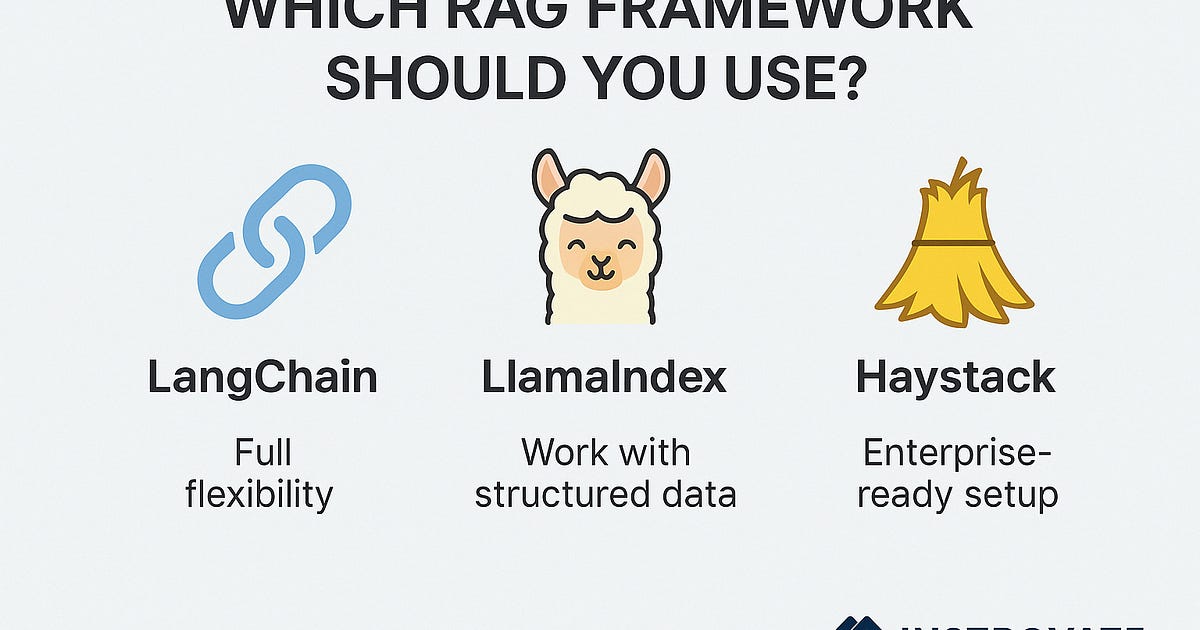
🔹 LangChain or LlamaIndex to manage flow
🔁 Bonus:
Want chat memory? Add a history tracker layer.
Want analytics? Store prompts, responses, and feedback in Delta or a Data Lake.
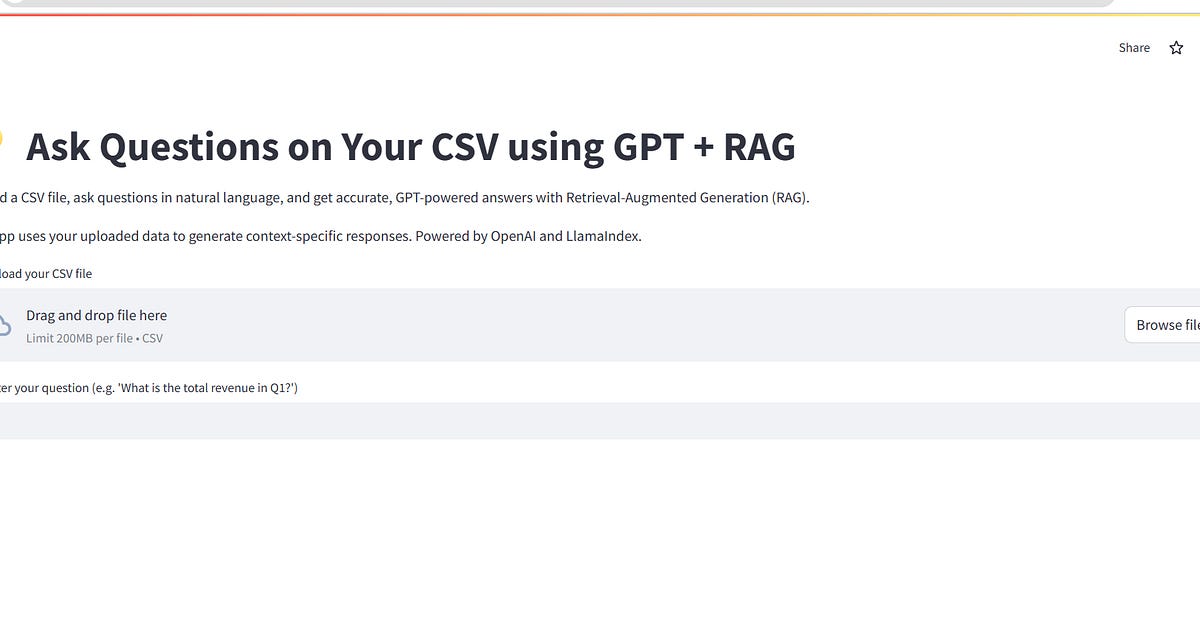
📌 Tomorrow → we build a working RAG mini app using one of these. Step-by-step. 👩💻
Subscribe to follow the build →
Originally published on Substack